
Quarterly sales review template: explain the quarter, then plan the next one
Free to use and adapt for your own work.
Slide 1 of 12
Rollstack team, reviewed by Nabil Jallouli Updated Nov 11, 2026
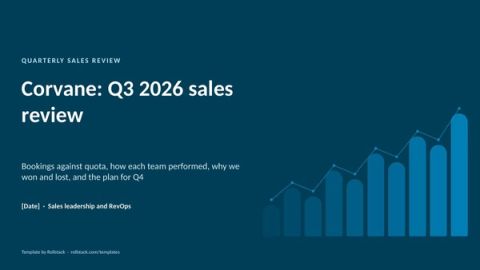
A quarterly sales review looks back at the quarter that just closed: bookings against quota, how each team and rep performed, why deals were won and lost, and what changes next quarter. This template gives you 9 slides for that meeting. It pairs with the weekly pipeline review, which looks forward.
The 9 slides
| # | Slide | What goes on it | Data you need |
|---|---|---|---|
| 1 | Summary | Bookings against quota, win rate and average deal size, with one line on the quarter | CRM, quota sheet |
| 2 | Bookings | Five quarters of bookings against quota, and how back-loaded the quarter was | CRM, quota sheet |
| 3 | By team | Quota, bookings, attainment, win rate and deal size for each team | CRM, quota sheet |
| 4 | By rep | Attainment by rep, sorted, with the coaching plan | CRM, quota sheet |
| 5 | Win and loss | Why deals were won and lost, from the closed reason in the CRM | CRM |
| 6 | Cycle and deal size | Median sales cycle and average deal size by quarter | CRM |
| 7 | Largest wins | The three largest wins and the lesson from each | Written by sales leaders |
| 8 | Next quarter's coverage | Pipeline for next quarter against your coverage floor, by segment | CRM, quota sheet |
| 9 | Plan | Actions for next quarter with owners, dates and the expected effect | Written by sales leaders |
| A | Appendix | Definitions of bookings, attainment, win rate, cycle and coverage | RevOps |
The file has 12 pages: these 9 slides plus a cover, an appendix and a how-to slide you delete before presenting.
Rules for a useful sales review
Separate looking back from looking forward. The weekly pipeline review manages the current quarter. The quarterly review explains the last one and sets up the next. Mixing them turns both into a forecast call.
Read win rate, cycle and deal size together. A higher win rate on smaller deals, or shorter cycles on discounted ones, is not progress. Put the three side by side.
Make the closed reason a required field. The win and loss slide is only as good as the data behind it. Use a short pick list, required at close, and review the free text once a quarter.
Keep rep results for managers. Attainment by rep is a coaching tool. Show it to sales managers, not to the whole company.
End with coverage. The last data slide should connect the quarter that closed to the one that started: is there enough pipeline to hit the next target?
Mistakes we see most often
- Bookings defined differently by sales and finance, so the review starts with a reconciliation.
- Averages that hide a quarter carried by one large deal.
- Loss reasons left to free text, so "price" becomes the answer to everything.
- No link between the lessons and next quarter's plan.
- A deck rebuilt by RevOps in the first week of every quarter.
Ready the day the quarter closes
- Open this template in Rollstack and connect your CRM and quota sheet, directly or through your warehouse or BI tool. Rollstack also works with spreadsheets, documents and any source with an API.
- Map the bookings, team, rep, win and loss, and coverage slides to their sources once.
- Refresh from the CRM snapshot taken on the last day of the quarter. Every figure links to its source and the time it was synced.
- Create one version per sales manager, each with their own team and reps.
- Sales leaders write the lessons and the plan.
Fill this template with your data Get a demo
What our customers say
“Rollstack has been a highly effective tool for our team and company. It has simplified the process of keeping recurring slide decks updated with the latest data, resulting in a noticeable improvement in efficiency and productivity. The tool has streamlined our workflow and saved us valuable time.”
 Michael KesslerDirector Business Operations, Kargo
“With Rollstack, we are able to build one deck to review key company metrics with leadership that can be quickly refreshed each week directly from our analytics tool without having to log in, take screenshots, and pull each slide by hand. All we need to do is hit refresh and give the slides a final review before they go to leadership, saving us a lot of time and allowing our analytics team to spend more time on true analysis.”
 Lauren ZionVP of Business Operations & Analytics, Socure
“There was always friction in the last step where data needed to be copied from dashboards into slides. Rollstack helped eliminate that friction for an important set of presentations we produced. It’s very satisfying to create executive-ready presentations from massive datasets in a scalable way with zero human intervention.”
 Brian GeierVice President, Business Intelligence, Recurly
Common questions
What should a quarterly sales review include?
Bookings against quota, results by team and rep, win and loss reasons, sales cycle and deal size trends, the largest wins, pipeline coverage for next quarter, and the plan.
What is the difference between a sales review and a pipeline review?
A pipeline review is weekly and looks at open deals in the current quarter. A sales review is quarterly and explains the results of the quarter that closed.
Which sales metrics belong in a quarterly report?
Bookings, quota attainment, win rate, average deal size, sales cycle length, new customers and pipeline coverage for the next quarter.
How do you calculate win rate?
Deals won divided by deals closed, won or lost, in the same period. Count deals, not value, unless you report both.
Who should attend a quarterly sales review?
The sales leadership team, RevOps, and usually the CFO and the head of marketing for the coverage and plan discussion.
Get the template
Free to use and adapt for your own work.
Native PowerPoint charts and tables, sample data from a fictional company, and speaker notes on every slide. Using Google Slides? Upload the file to Drive and open it with Google Slides; charts arrive as pictures, everything else stays editable, so it's best in PowerPoint.
Discover more templates
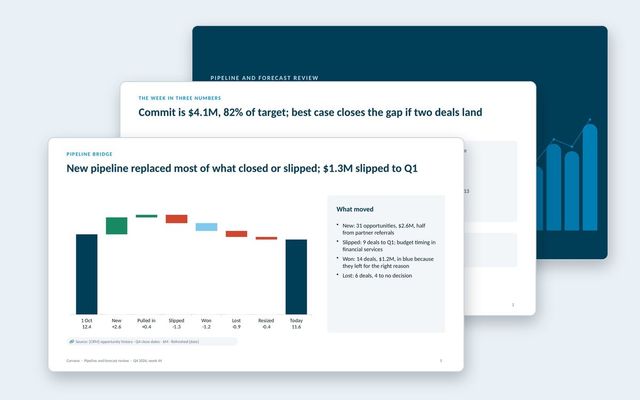 Pipeline and forecast reviewA weekly forecast call: commit against target, forecast by segment and team, pipeline bridge, coverage, stage health, deals and asks.See the template
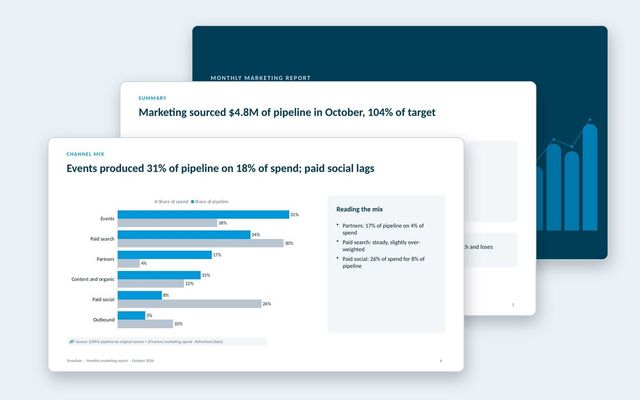 Monthly marketing reportA pipeline-first marketing report: scorecard, funnel, pipeline trend, channel mix and efficiency, AI search, programs, budget and the plan.See the template
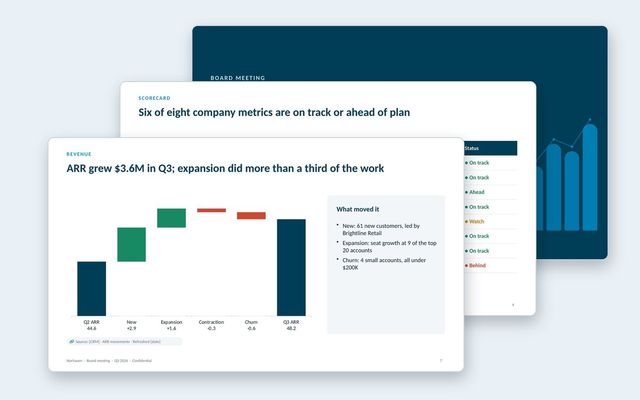 Board deckA quarterly board meeting deck: decisions first, CEO summary, scorecard, financials, customers, go-to-market, one strategic topic and the asks.See the template
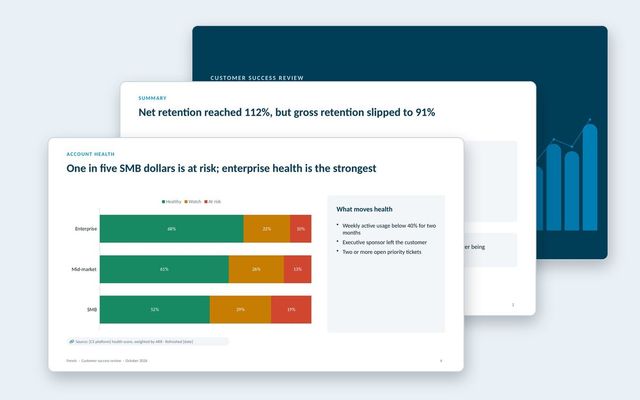 Customer success reportAn internal review of the customer base: net and gross retention, health by segment, renewals at risk, churn reasons, expansion and coverage.See the template
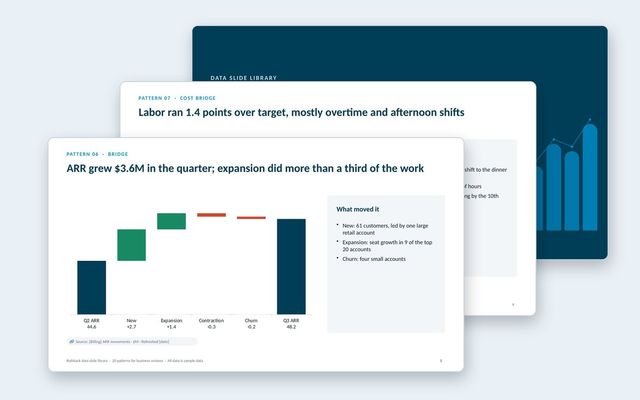 Data slide libraryTwenty reusable data slides: summaries, scorecards, KPI cards, trends, bridges, rankings, benchmarks, variances, options, roadmaps, decisions and risks.See the template
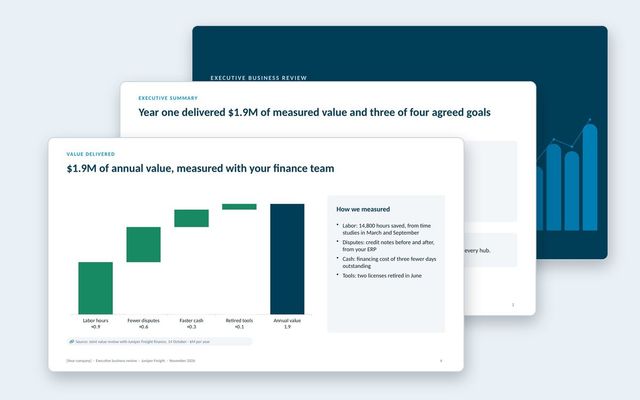 Executive business review (EBR)A renewal-stage review for the economic buyer: success plan, measured value, adoption, feedback, year-two goals and the proposal.See the template
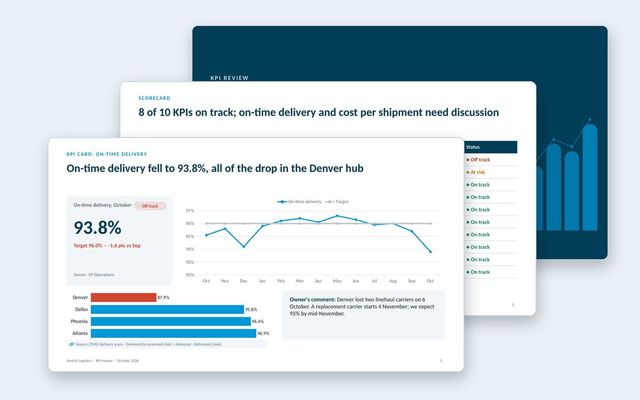 KPI presentationA KPI review built on three slide types: the scorecard, a KPI card for each KPI that needs discussion, and the exceptions list.See the template
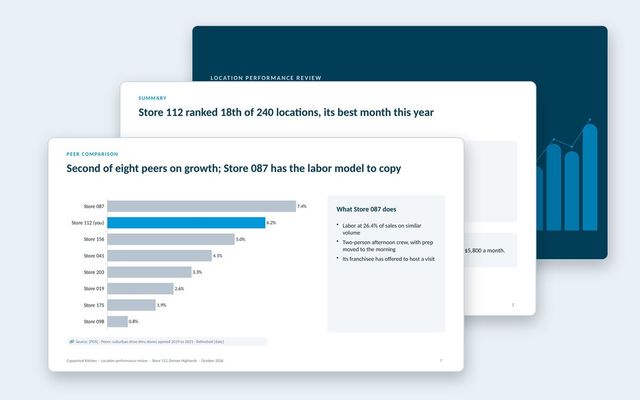 Location performance reviewOne deck per location: scorecard against target and network, sales trend, mix, labor bridge, peer comparison, guest feedback and actions.See the template
About Rollstack.
Rollstack is the AI presentation platform for business reporting. It connects to data warehouses such as Snowflake, Databricks, BigQuery and Redshift, BI tools such as Tableau, Power BI and Looker, and spreadsheets such as Excel and Google Sheets. It also connects to CRMs such as Salesforce and HubSpot, PDFs and documents, and any other source through its API. It builds decks in your own PowerPoint or Google Slides template, links every number to its source, refreshes on a schedule, and creates one version per region, sales channel, team, product line or client. Teams build and edit decks in Rollstack, export them to PowerPoint, Google Slides or PDF, and each stakeholder gets their version in a personalized email. Rollstack is LLM-agnostic, access follows the permissions in your BI tools and warehouse, and it is SOC 2 Type II, HIPAA and GDPR compliant. Customers include SoFi, Tripadvisor, CarGurus and Octopus Energy.
Quarterly sales review template: explain the quarter, then plan the next one · 12 pages
Download