
Steering committee presentation template: decisions first, then the evidence
Free to use and adapt for your own work.
Slide 1 of 12
Nabil Jallouli Updated Nov 11, 2026
A steering committee meets to make the decisions a program cannot make on its own, so the deck should open with them. This template gives you 9 slides in that order: the decisions needed, program status, workstreams, benefits against the business case, budget, risks, the plan, the options behind each decision, and next steps. It suits consultants, transformation offices and strategy teams running large programs.
The 9 slides
| # | Slide | What goes on it | Data you need |
|---|---|---|---|
| 1 | Decisions needed today | Each decision with the one fact the committee needs, and your recommendation | Written by the program lead |
| 2 | Program status | Benefits, milestones and budget in three numbers, and the overall status in one line | Project plan, benefits tracker, finance |
| 3 | Workstreams | One row per workstream: leads, progress, next milestone, date and status | Project plan |
| 4 | Benefits | Validated run-rate benefits against the business case, by lever | Benefits tracker, validated by finance |
| 5 | Budget | Spend and remaining budget by workstream, and contingency | Finance |
| 6 | Risks and issues | Impact, likelihood, owner, mitigation and status, plus the risks closed since last time | Risk log |
| 7 | Plan | The next five milestones with status, and the critical path | Project plan |
| 8 | Decision detail | For each decision: the options compared on the same criteria, and why you recommend one | Written by the program lead |
| 9 | Next steps | Every action from today with an owner and a date, and the date of the next committee | Written in the meeting |
| A | Appendix | Definitions and the status rules agreed at kickoff | Program office |
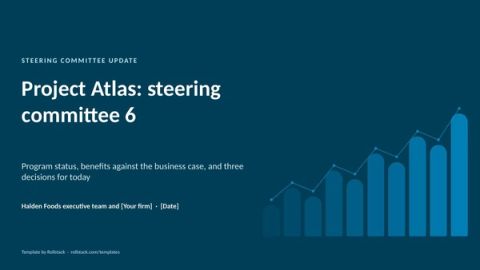
The file has 12 pages: these 9 slides plus a cover, an appendix and a how-to slide you delete before presenting.
Rules for a steering committee that decides
Decisions on slide one. If the meeting runs short, the decisions still get made. Each one names what is being decided, the fact that matters most and where the detail is.
Agree status rules at kickoff. Write down what on track, at risk and off track mean, for milestones, benefits and spend. Otherwise the meeting debates colors instead of decisions.
Count only validated benefits. Run-rate benefits that finance has not checked do not belong on the benefits slide. Show the rest separately, if at all.
One page per decision. Compare the options on the same criteria, recommend one, and show the option you do not recommend fairly. Committees ask about it.
Send a pre-read. Two working days ahead. Members who have read it spend the meeting on the decisions.
I used to see the same deck rebuilt every two weeks by a junior consultant at 1 a.m., with the numbers retyped from three trackers. Most of the errors a committee catches come from that retyping.
Mistakes we see most often
- Status slides that are all green until the week the program is late.
- Benefits reported as identified rather than delivered.
- Ten workstreams on one slide with no clear owner on the client side.
- Decisions buried at the end of a 40-slide deck.
- A deck format that changes every meeting, so nobody can compare progress.
Refresh it before every committee
The structure of a steering committee deck stays the same for the life of a program. The status, benefits, budget and risks change. Rollstack fills those from your trackers so the team writes the decisions and the commentary.
- Open this template in Rollstack and connect your project plan, benefits tracker, finance data and risk log. They can live in a spreadsheet, a project tool, your warehouse or any source with an API.
- Map the status, workstream, benefits, budget, risk and plan slides to their sources once.
- Refresh before each committee. Every number links to its source and the time it was synced.
- Write the decisions, the options and the recommendation yourself.
- Running several programs or clients? Create one version per program with Bursts, each with only its own data.
Relevate Health built 60 client decks in under four hours with Rollstack.
Fill this template with your data Get a demo
What our customers say
“With Rollstack, we are able to build one deck to review key company metrics with leadership that can be quickly refreshed each week directly from our analytics tool without having to log in, take screenshots, and pull each slide by hand. All we need to do is hit refresh and give the slides a final review before they go to leadership, saving us a lot of time and allowing our analytics team to spend more time on true analysis.”
 Lauren ZionVP of Business Operations & Analytics, Socure
“We had a powerful data stack, but the last mile, getting our insights into the decision-maker’s hands, was still a manual process. Rollstack gave us the critical bridge to ensure our world-class analysis and insights made it into the decks where decisions were being made.”
 Michael McElvaneySenior Director Finance Transformation, BI & Systems, SoFi
“There was always friction in the last step where data needed to be copied from dashboards into slides. Rollstack helped eliminate that friction for an important set of presentations we produced. It’s very satisfying to create executive-ready presentations from massive datasets in a scalable way with zero human intervention.”
 Brian GeierVice President, Business Intelligence, Recurly
Common questions
What is a steering committee presentation?
The deck a program or project team brings to its steering committee, the group of executives who sponsor the work. It asks for decisions and shows status, benefits, budget, risks and the plan.
What should be in a steering committee deck?
The decisions needed, overall status, workstream status, benefits against the business case, budget, risks and issues, the plan, the options behind each decision, and next steps. Put definitions and status rules in the appendix.
How often does a steering committee meet?
Every two to six weeks for most programs, more often around critical milestones such as a go-live.
How long should a steering committee deck be?
About ten main slides for a 60 to 90 minute meeting, with detail in the appendix.
What do red, amber and green mean on a status slide?
Whatever the committee agreed at kickoff. A common rule: green means on time and within 5% of plan, amber means up to four weeks late or 5% to 10% off plan, and red means worse than that or blocked by a decision.
Who prepares the steering committee deck?
The program management office or the lead consultant, with each workstream lead owning their own row and commentary.
Get the template
Free to use and adapt for your own work.
Native PowerPoint charts and tables, sample data from a fictional program, and speaker notes on every slide. Using Google Slides? Upload the file to Drive and open it with Google Slides; charts arrive as pictures, everything else stays editable, so it's best in PowerPoint.
I spent my consulting years preparing steering committee decks. The meetings that went well opened with the decisions. The ones that went badly opened with a Gantt chart and ran out of time before anyone decided anything.
Discover more templates
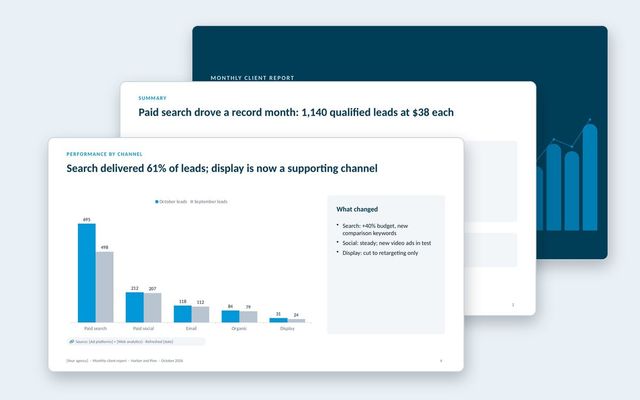 Monthly client reportAn agency report clients read: results against goals, channel performance, business outcomes, spend, lessons and next month's plan.See the template
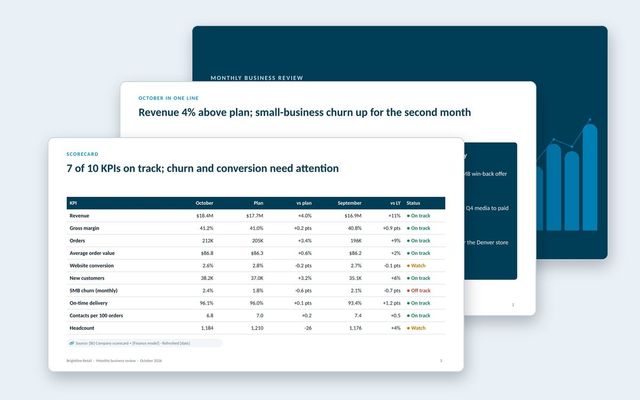 Monthly business review (MBR)A leadership MBR: the month in one line, KPI scorecard, revenue and customers, leading indicators, operations, one focus topic and decisions.See the template
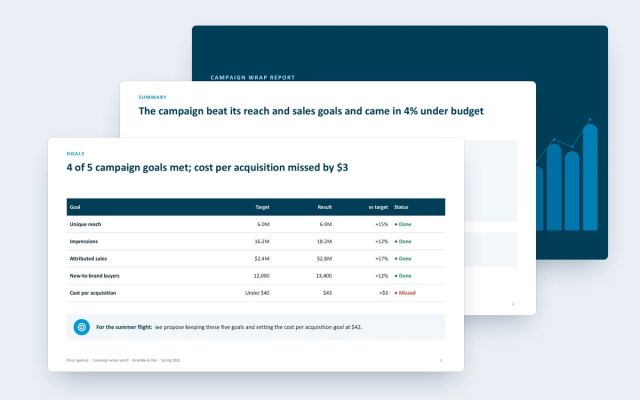 Campaign wrap reportA client-facing wrap report for agencies: goals against results, channel delivery and efficiency, creative, audience, brand lift and next moves.See the template
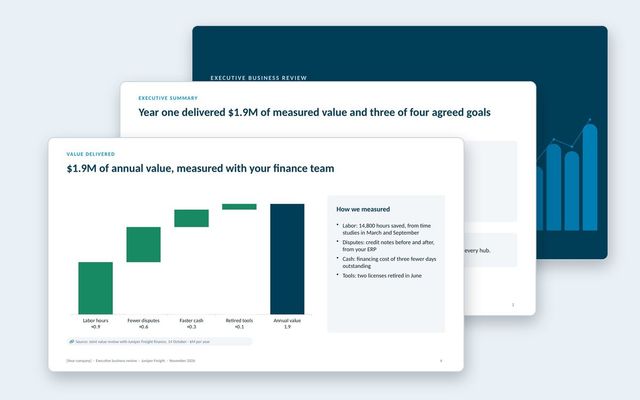 Executive business review (EBR)A renewal-stage review for the economic buyer: success plan, measured value, adoption, feedback, year-two goals and the proposal.See the template
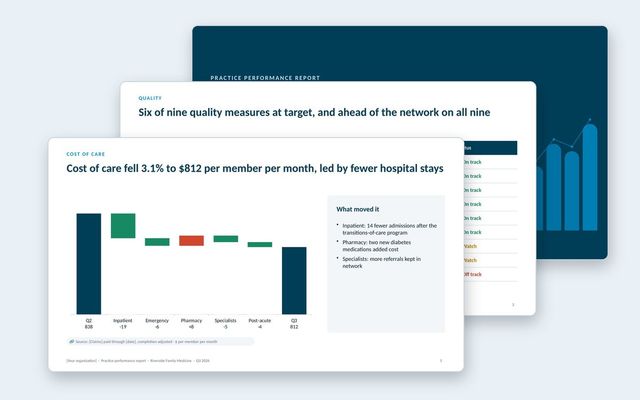 Practice performance reportOne report per practice in a value-based care network: quality measures against target and network, cost of care, hospital use, peers, engagement and savings.See the template
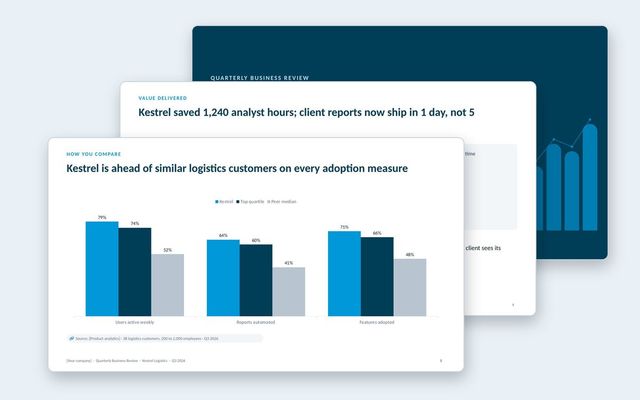 Quarterly business review (QBR)A customer-facing QBR built around goals, value delivered, adoption, peer benchmarks and the plan for next quarter.See the template
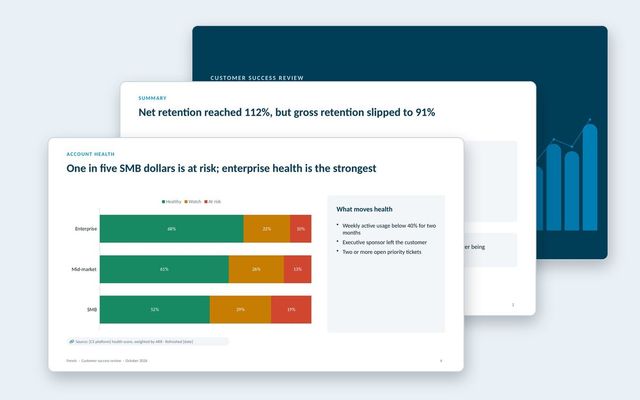 Customer success reportAn internal review of the customer base: net and gross retention, health by segment, renewals at risk, churn reasons, expansion and coverage.See the template
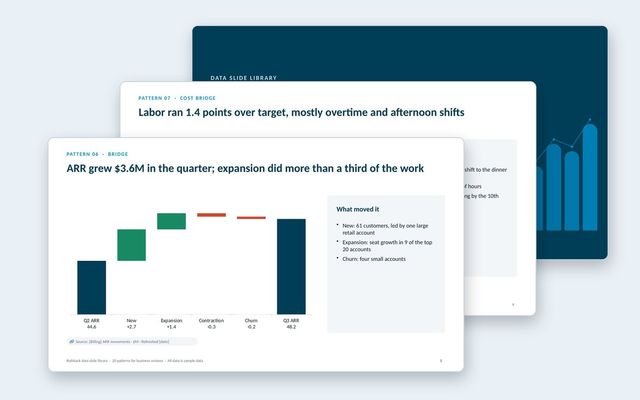 Data slide libraryTwenty reusable data slides: summaries, scorecards, KPI cards, trends, bridges, rankings, benchmarks, variances, options, roadmaps, decisions and risks.See the template
About Rollstack.
Rollstack is the AI presentation platform for business reporting. It connects to data warehouses such as Snowflake, Databricks, BigQuery and Redshift, BI tools such as Tableau, Power BI and Looker, and spreadsheets such as Excel and Google Sheets. It also connects to CRMs such as Salesforce and HubSpot, PDFs and documents, and any other source through its API. It builds decks in your own PowerPoint or Google Slides template, links every number to its source, refreshes on a schedule, and creates one version per region, sales channel, team, product line or client. Teams build and edit decks in Rollstack, export them to PowerPoint, Google Slides or PDF, and each stakeholder gets their version in a personalized email. Rollstack is LLM-agnostic, access follows the permissions in your BI tools and warehouse, and it is SOC 2 Type II, HIPAA and GDPR compliant. Customers include SoFi, Tripadvisor, CarGurus and Octopus Energy.
Steering committee presentation template: decisions first, then the evidence · 12 pages
Download