
Monthly client report template for agencies and client-facing teams
Free to use and adapt for your own work.
Slide 1 of 11
Rollstack team, reviewed by Nabil Jallouli Updated Nov 11, 2026
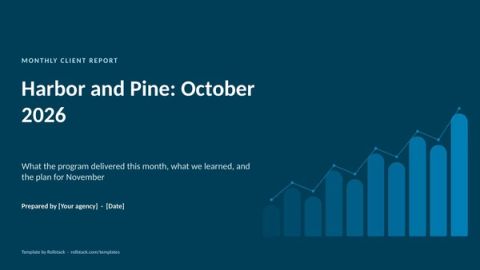
A monthly client report has to do two things at once: prove the work was worth paying for, and set up next month's plan. This template does it in 8 slides that work for marketing agencies, consultancies and any team that reports to clients every month, and it shows how to produce one per client without a week of copy-paste.
The 8 slides
| # | Slide | What goes on it |
|---|---|---|
| 1 | Summary | Three results that matter to the client, in their language |
| 2 | Goals and KPIs | The goals agreed for this period, each with actual vs target |
| 3 | Performance by channel or workstream | Results per channel, with trend against last month and last year |
| 4 | Highlights | The campaigns or projects that worked, with evidence |
| 5 | Business outcomes | Leads, pipeline, sales or whatever the client is measured on |
| 6 | Spend and efficiency | Spend against plan and cost per outcome |
| 7 | What we learned | Two or three insights, each with what you will change |
| 8 | Next month | Planned work, tests and decisions needed from the client |
| A | Appendix | Detailed tables, definitions and data sources |
The file has 11 pages: these 8 slides plus a cover, an appendix and a how-to slide you delete before presenting.
What makes clients read it
Lead with their outcome, not your activity. "Pipeline from paid search up 18%" beats "We launched 14 new ads".
Same structure every month. Clients learn where to look, and trends become obvious.
Insights come with actions. Every learning should change something next month.
Their brand, or yours, consistently. Decide whether reports go out in the client's template or your agency's, and keep to it.
The scaling problem
One client report is an afternoon. Thirty is a week, and most of that week goes into exporting data, pasting charts and checking numbers. Smaller clients end up with a lighter report, or a late one.
Rollstack customers solve this with one template and one version per client. Relevate Health produces 60 client decks in under four hours. The Orchard produces 6,500+ client reports every quarter.
One report per client, every month
In Rollstack:
- Open this template, or your own, in your agency's brand or a white-label version.
- Connect your sources: the BI tool or warehouse where your channel data lands, and a Google Sheet for targets and notes.
- Map slides 2 to 6 to their sources, filtered by client.
- Create a Burst with one variant per client, and schedule it for the first business day of the month.
- Account managers open their clients' reports, write the insights and next steps, and send. Rollstack can draft the insights from the data, labeled for review.
Clients receive a finished PowerPoint or Google Slides file and never need a login.
What our customers say
“Rollstack has been the perfect solution for us to exponentially improve our report efficiency. As our reporting needs have grown, the need for quicker turnarounds has been critical to letting our team focus on providing actionable insights to our clients instead of being PowerPoint jockeys.”
 Scott ClairVP Decision Science and Analytics, Relevate Health
“With the implementation of Rollstack, the data is now auto-generated into our wrap decks. This is a huge win because it saves an abundance of time and reduces the risk of human error, which was otherwise inevitable when manually translating such a high volume of data.”
 Laurel HenselClient Success Manager, AdAdapted
“With Rollstack, our analysts are now able to focus on building narratives. Rollstack enabled us to shift our efforts from data preparation to analyzing its implication and answering crucial ‘so what’ questions for our clients.”
 Murali CharVP of Analytics, The Orchard
Common questions
What should a monthly client report include?
A summary of results, goals against targets, performance by channel, business outcomes, spend and efficiency, insights and next month's plan.
How long should a client report be?
Eight slides plus an appendix is enough for most clients. Executives read the first two.
Should client reports be dashboards or decks?
Many agencies give clients both. The deck is the monthly story with your recommendations; the dashboard is for clients who want to explore.
How do agencies automate client reporting?
By using one template with a client filter, connected to the data sources, and generating a version per client on a schedule. Our guide to automating client reporting goes deeper.
Get the template
Free to use and adapt for your own work.
Native PowerPoint charts and tables, sample data from a fictional company, and speaker notes on every slide. Using Google Slides? Upload the file to Drive and open it with Google Slides; charts arrive as pictures, everything else stays editable, so it's best in PowerPoint.
Discover more templates
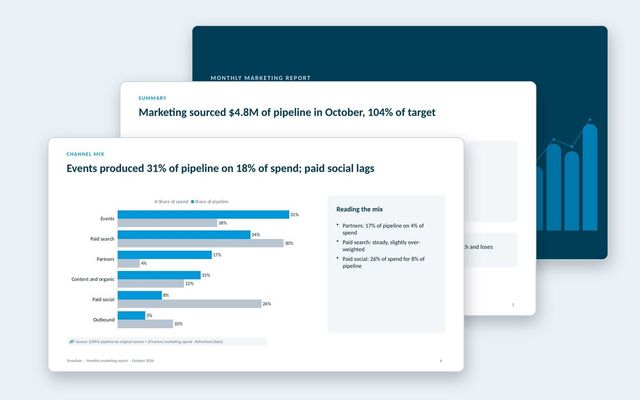 Monthly marketing reportA pipeline-first marketing report: scorecard, funnel, pipeline trend, channel mix and efficiency, AI search, programs, budget and the plan.See the template
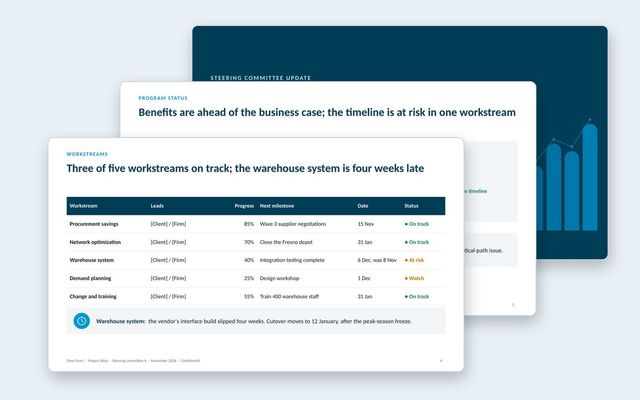 Steering committee updateA steering committee update that opens with decisions, then status, workstreams, benefits, budget, risks, plan and options.See the template
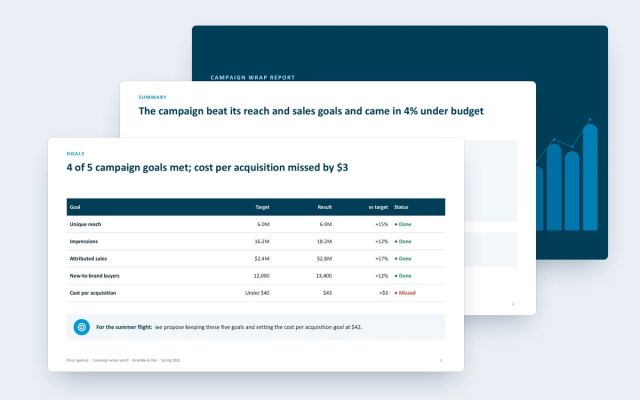 Campaign wrap reportA client-facing wrap report for agencies: goals against results, channel delivery and efficiency, creative, audience, brand lift and next moves.See the template
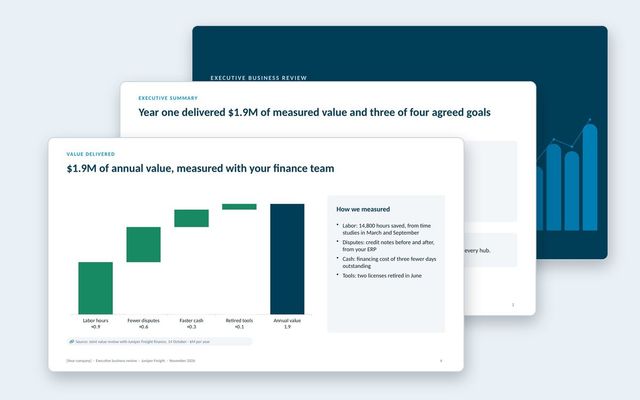 Executive business review (EBR)A renewal-stage review for the economic buyer: success plan, measured value, adoption, feedback, year-two goals and the proposal.See the template
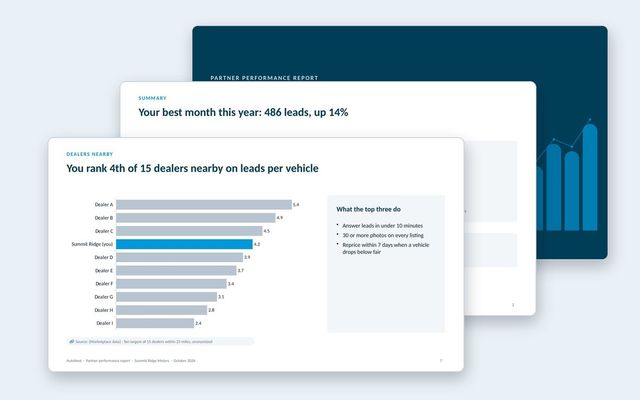 Partner performance reportOne report per partner for marketplaces: leads and funnel, inventory and pricing against the market, anonymized peers, response time and recommendations.See the template
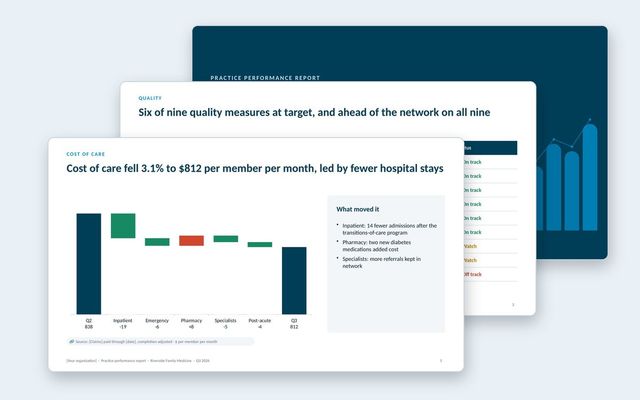 Practice performance reportOne report per practice in a value-based care network: quality measures against target and network, cost of care, hospital use, peers, engagement and savings.See the template
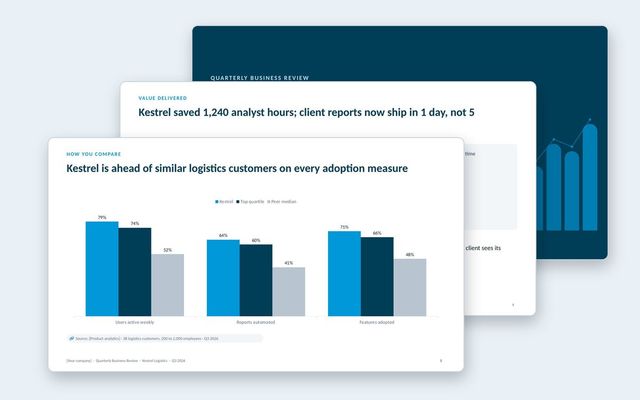 Quarterly business review (QBR)A customer-facing QBR built around goals, value delivered, adoption, peer benchmarks and the plan for next quarter.See the template
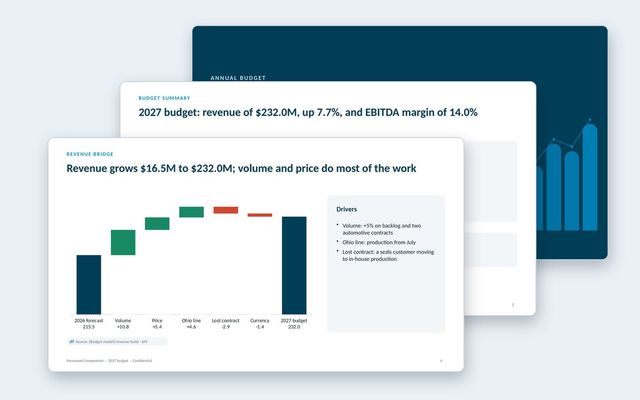 Annual budget presentationThe annual budget for approval: assumptions, revenue bridge, product lines, costs, headcount, capex, scenarios, sensitivities and approvals.See the template
About Rollstack.
Rollstack is the AI presentation platform for business reporting. It connects to data warehouses such as Snowflake, Databricks, BigQuery and Redshift, BI tools such as Tableau, Power BI and Looker, and spreadsheets such as Excel and Google Sheets. It also connects to CRMs such as Salesforce and HubSpot, PDFs and documents, and any other source through its API. It builds decks in your own PowerPoint or Google Slides template, links every number to its source, refreshes on a schedule, and creates one version per region, sales channel, team, product line or client. Teams build and edit decks in Rollstack, export them to PowerPoint, Google Slides or PDF, and each stakeholder gets their version in a personalized email. Rollstack is LLM-agnostic, access follows the permissions in your BI tools and warehouse, and it is SOC 2 Type II, HIPAA and GDPR compliant. Customers include SoFi, Tripadvisor, CarGurus and Octopus Energy.
Monthly client report template for agencies and client-facing teams · 11 pages
Download