
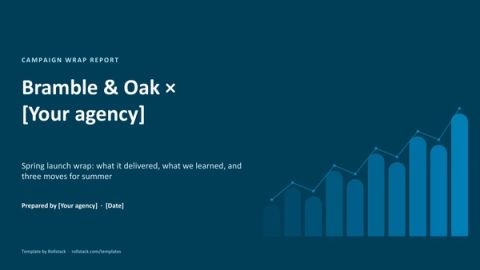
Campaign wrap report template: what the campaign delivered and what to change next
Free to use and adapt for your own work.
Slide 1 of 12
Rollstack team Updated Nov 11, 2026
A campaign wrap report is the last thing a client sees from a campaign, and often the first thing they read before deciding on the next one. This template opens with whether the campaign hit its goals, explains what drove the result by channel, creative and audience, and ends with what to change in the next flight.
What a campaign wrap report is
A wrap report, or campaign recap, is the report an agency or media team sends a client when a campaign ends. It compares results with the goals agreed at the start, shows where the budget went and what it bought, and turns what worked into a proposal for the next campaign.
The best ones read like an argument for the next brief. The client should finish the deck knowing what to keep, what to stop and what to try.
The slides
| # | Slide | What goes on it |
|---|---|---|
| 1 | Summary | Did the campaign hit its goals, in one line, with the three numbers that matter most |
| 2 | Goals against results | Every goal agreed at the start, with target, result and status |
| 3 | Delivery by channel | Impressions or reach by channel against plan |
| 4 | Efficiency by channel | Cost per result by channel, and which one did the most for the money |
| 5 | Creative | Which versions worked, which didn't, and what to repeat |
| 6 | Audience | Which groups converted, against their share of what you bought |
| 7 | Pacing | Spend across the flight against budget |
| 8 | Brand lift | Awareness, recall or intent among people who saw the ads |
| 9 | Next flight | Three changes for the next campaign, each tied to a finding |
| A | Appendix | Definitions, methodology and data sources |
The download adds a cover and a how-to slide you delete before presenting.
Slide 2 keeps the report honest. Show every goal agreed at the start, including the ones you missed, and the rest of the deck is believed.
Rules that make a wrap report work
- Report against the goals you agreed. Not against new goals picked after the results came in.
- Lead with the outcome, then the reasons. The client's first question is whether it worked.
- Explain the misses. A missed goal with a cause and a fix builds more trust than a deck with no misses.
- Tie every recommendation to a finding. "Move budget to connected TV" needs the slide that shows why.
- Use the client's numbers where you can. Sales from their systems carry more weight than platform-reported conversions.
Mistakes we see most often
- A tour of every platform's dashboard, with no view across channels.
- Vanity totals, such as impressions, with no comparison to plan or to cost.
- Recommendations on the last slide that no earlier slide supports.
- A report that takes two weeks to build, so it arrives after the next brief is written.
Have it ready the day the campaign ends
A wrap report follows the same structure for every client and every campaign, with different numbers each time, which is the kind of deck Rollstack builds and keeps current.
In Rollstack:
- Import this template into your agency's brand, or start from your current wrap deck.
- Connect the data behind each chart, from any data source: your ad platforms, analytics, the client's sales data or spreadsheets.
- Map the goals slide to the targets agreed in the brief.
- Refresh it during the flight for mid-campaign reviews, and once more when it ends.
- A Burst creates one version for every client from the same template, each with only that client's numbers, and delivers it by email, Slack or any other channel.
What our customers say
“With the implementation of Rollstack, the data is now auto-generated into our wrap decks. This is a huge win because it saves an abundance of time and reduces the risk of human error, which was otherwise inevitable when manually translating such a high volume of data.”
 Laurel HenselClient Success Manager, AdAdapted
“Rollstack has been a highly effective tool for our team and company. It has simplified the process of keeping recurring slide decks updated with the latest data, resulting in a noticeable improvement in efficiency and productivity. The tool has streamlined our workflow and saved us valuable time.”
 Michael KesslerDirector Business Operations, Kargo
“Rollstack has been the perfect solution for us to exponentially improve our report efficiency. As our reporting needs have grown, the need for quicker turnarounds has been critical to letting our team focus on providing actionable insights to our clients instead of being PowerPoint jockeys.”
 Scott ClairVP Decision Science and Analytics, Relevate Health
Common questions
What should a campaign wrap report include?
The goals against results, delivery and efficiency by channel, what worked in the creative and the audience, pacing against budget, any brand lift, and recommendations for the next campaign.
What is the difference between a wrap report and a monthly client report?
A monthly client report tracks ongoing work every month. A wrap report closes out one campaign and makes the case for the next. See the monthly client report template.
How long should a wrap report be?
Ten slides plus an appendix is enough for most campaigns. If a section has nothing to say, cut it.
When should it go to the client?
Within a week of the campaign ending, while the next brief is still open.
Get the template
Free to use and adapt for your own work.
Native PowerPoint charts and tables, sample data from a fictional brand, and speaker notes on every slide. Using Google Slides? Upload the file to Drive and open it with Google Slides; charts arrive as pictures, everything else stays editable, so it's best in PowerPoint.
Discover more templates
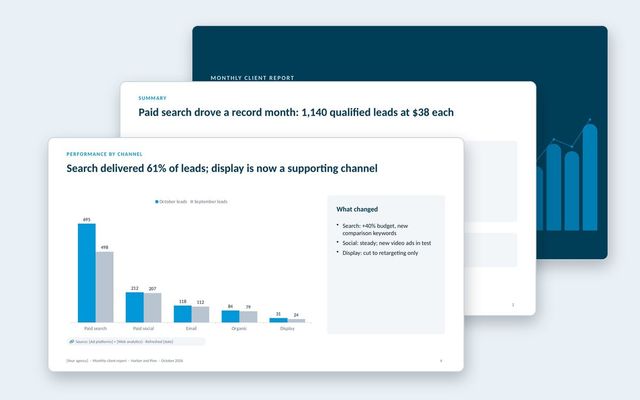 Monthly client reportAn agency report clients read: results against goals, channel performance, business outcomes, spend, lessons and next month's plan.See the template
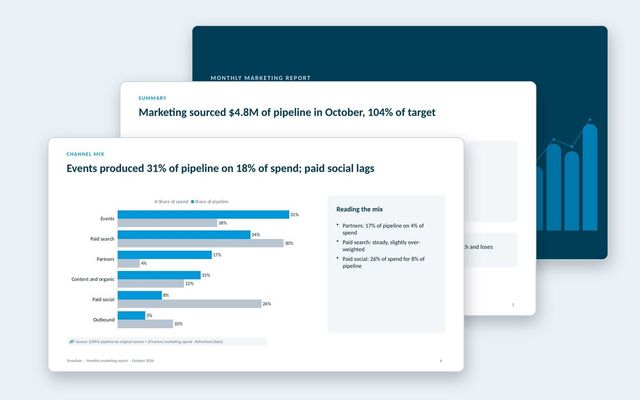 Monthly marketing reportA pipeline-first marketing report: scorecard, funnel, pipeline trend, channel mix and efficiency, AI search, programs, budget and the plan.See the template
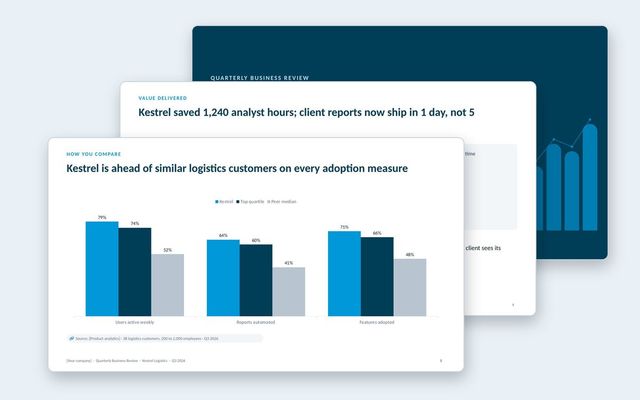 Quarterly business review (QBR)A customer-facing QBR built around goals, value delivered, adoption, peer benchmarks and the plan for next quarter.See the template
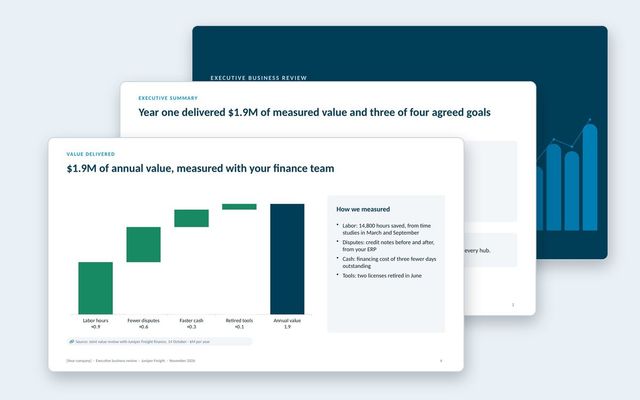 Executive business review (EBR)A renewal-stage review for the economic buyer: success plan, measured value, adoption, feedback, year-two goals and the proposal.See the template
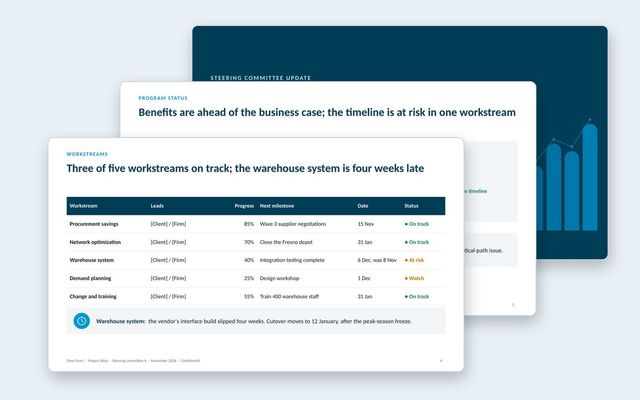 Steering committee updateA steering committee update that opens with decisions, then status, workstreams, benefits, budget, risks, plan and options.See the template
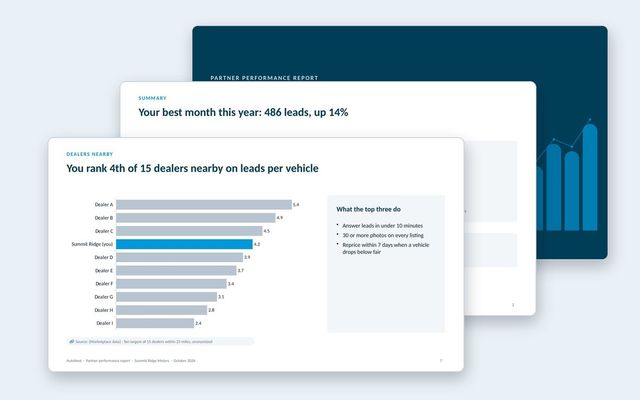 Partner performance reportOne report per partner for marketplaces: leads and funnel, inventory and pricing against the market, anonymized peers, response time and recommendations.See the template
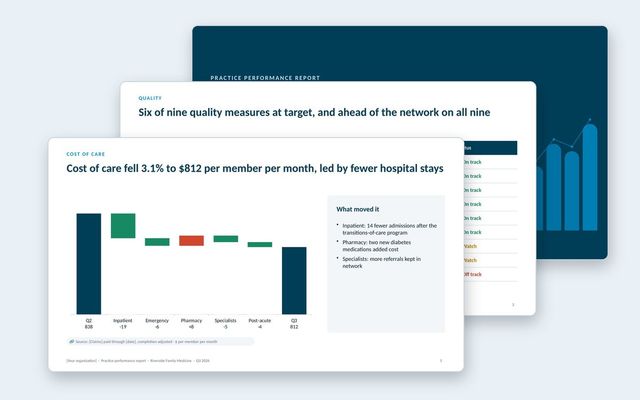 Practice performance reportOne report per practice in a value-based care network: quality measures against target and network, cost of care, hospital use, peers, engagement and savings.See the template
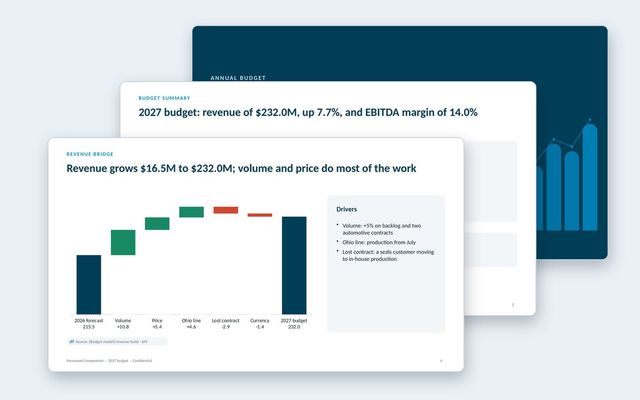 Annual budget presentationThe annual budget for approval: assumptions, revenue bridge, product lines, costs, headcount, capex, scenarios, sensitivities and approvals.See the template
About Rollstack.
Rollstack is the AI presentation platform for business reporting. It connects to data warehouses such as Snowflake, Databricks, BigQuery and Redshift, BI tools such as Tableau, Power BI and Looker, and spreadsheets such as Excel and Google Sheets. It also connects to CRMs such as Salesforce and HubSpot, PDFs and documents, and any other source through its API. It builds decks in your own PowerPoint or Google Slides template, links every number to its source, refreshes on a schedule, and creates one version per region, sales channel, team, product line or client. Teams build and edit decks in Rollstack, export them to PowerPoint, Google Slides or PDF, and each stakeholder gets their version in a personalized email. Rollstack is LLM-agnostic, access follows the permissions in your BI tools and warehouse, and it is SOC 2 Type II, HIPAA and GDPR compliant. Customers include SoFi, Tripadvisor, CarGurus and Octopus Energy.
Campaign wrap report template: what the campaign delivered and what to change next · 12 pages
Download