
Budget presentation template: the annual budget, built from its assumptions
Free to use and adapt for your own work.
Slide 1 of 13
Rollstack team, reviewed by Nabil Jallouli Updated Nov 11, 2026
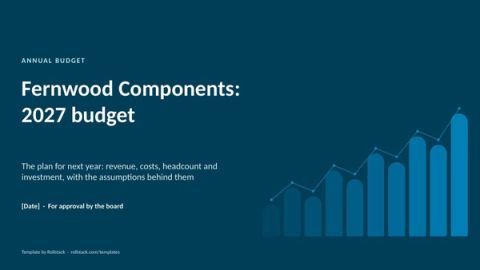
An annual budget presentation asks the board or leadership team to approve next year's plan. It works when the totals are traced back to a few clear assumptions, and when the audience can see what happens if those assumptions are wrong. This template gives you 10 slides that do that, from the summary and assumptions to scenarios, sensitivities and the approvals requested.
The 10 slides
| # | Slide | What goes on it | Data you need |
|---|---|---|---|
| 1 | Budget summary | Revenue, EBITDA and capex against this year's forecast, and the approvals requested | Budget model |
| 2 | Assumptions | Each major assumption, this year against next, with its basis | Budget model |
| 3 | Revenue bridge | From this year's forecast to next year's budget, by driver | Budget model |
| 4 | Revenue by product line | Forecast against budget for each product line, with gross margin | Budget model |
| 5 | Operating expenses | Spend by department, forecast against budget | Budget model |
| 6 | Headcount | Year-end headcount by function, and revenue per employee | HR plan |
| 7 | Capital expenditure | Each project with amount, timing, payback and purpose | Investment cases |
| 8 | Scenarios | Downside, base and upside, with what each assumes and the trigger between them | Budget model |
| 9 | Sensitivities | The effect on EBITDA of a realistic change in each assumption | Budget model |
| 10 | Approvals | The decisions requested, each with the number being approved | Written by the CFO |
| A | Appendix | Basis of preparation and the owner of each assumption | FP&A |
The file has 13 pages: these 10 slides plus a cover, an appendix and a how-to slide you delete before presenting. The sample company is the same one as in the monthly financial report template, so the budget starts from that report's full-year forecast.
Rules for a budget the board approves quickly
Lead with what you are asking for. The first slide states the numbers to approve and the decisions needed. Everything after it is evidence.
Make the assumptions the conversation. Boards rarely argue with totals; they argue with assumptions. Put them on one slide with the basis for each, and tie every bridge driver to one of them.
Bridge from the forecast, not from last year's budget. Starting from the latest forecast shows what actually changes next year.
Show the downside and the trigger. A downside case with a pre-agreed trigger, such as pausing hires if volume misses by 2%, gives the board confidence the plan can bend without breaking.
Rank the sensitivities. Sorting the swing factors by size points the board's questions to what matters.
Mistakes we see most often
- Totals with no visible link to the assumptions behind them.
- A budget built up from last year's budget instead of this year's forecast.
- Headcount and capex presented on separate days from the operating budget.
- One scenario only, so the first bad quarter forces a re-plan.
- Numbers retyped from the model into slides, so the deck and the model disagree.
Keep the deck and the model in step
Budgets go through several versions before approval. Every version means updating the deck by hand, and that is where the deck and the model drift apart. Rollstack links each slide to the model so a new version updates the deck.
- Open this template in Rollstack and connect your budget model in Excel or Google Sheets, plus your ERP and HR plan. Rollstack also works with warehouses, BI tools, documents and any source with an API.
- Map the summary, bridges, departments, headcount and scenario slides to the model once.
- Each time the model changes, refresh the deck. Every figure links to the model version and the time it was synced.
- After approval, the same connections feed the monthly budget vs actual review.
Fill this template with your data Get a demo
What our customers say
“We had a powerful data stack, but the last mile, getting our insights into the decision-maker’s hands, was still a manual process. Rollstack gave us the critical bridge to ensure our world-class analysis and insights made it into the decks where decisions were being made.”
 Michael McElvaneySenior Director Finance Transformation, BI & Systems, SoFi
“We mapped our Tableau data to slides once with Rollstack. Now every executive report updates itself. It’s the part of our data stack we didn’t know was missing.”
 Tyler DanzeyDirector, Finance Analytics, Tripadvisor
“By minimizing the manual overhead involved in data preparation, our team now has much more time to focus on the data interrogation step and creating well-informed proposals, which leads to better outcomes for our customers and our business.”
 Ivan LourieHead of Credit Risk, Octopus Energy
Common questions
What should an annual budget presentation include?
A summary of the budget against this year's forecast, the key assumptions, a revenue bridge, revenue by product line, operating expenses, headcount, capital expenditure, scenarios, sensitivities and the approvals requested.
How long should a budget presentation be?
About ten main slides for a board meeting, with detailed schedules in the appendix or the model.
What is the difference between a budget and a forecast?
A budget is the plan approved before the year starts and stays fixed. A forecast is the latest estimate of how the year will end and is updated during the year.
How do you present budget assumptions?
In one table, with this year's value, next year's assumption and the basis for each, such as signed contracts, supplier quotes or market data.
Should a budget include scenarios?
Yes. A base case with a downside and an upside, and a trigger that tells everyone when to move from one plan to another.
Get the template
Free to use and adapt for your own work.
Native PowerPoint charts and tables, sample data from a fictional company, and speaker notes on every slide. Using Google Slides? Upload the file to Drive and open it with Google Slides; charts arrive as pictures, everything else stays editable, so it's best in PowerPoint.
Discover more templates
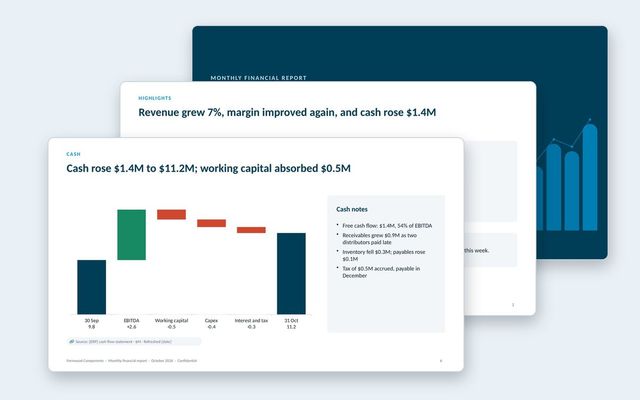 Monthly financial reportThe month-end pack for leadership: profit and loss, revenue and margins, cash bridge, working capital, balance sheet and full-year outlook.See the template
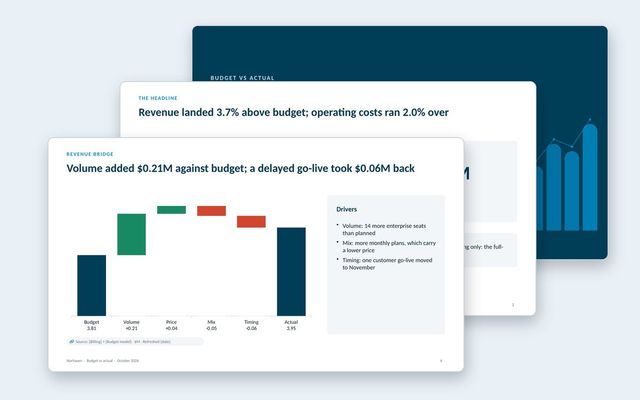 Budget vs actual reviewA monthly budget review: headline variances, summary table, revenue bridge, department spend, explained variances and the outlook.See the template
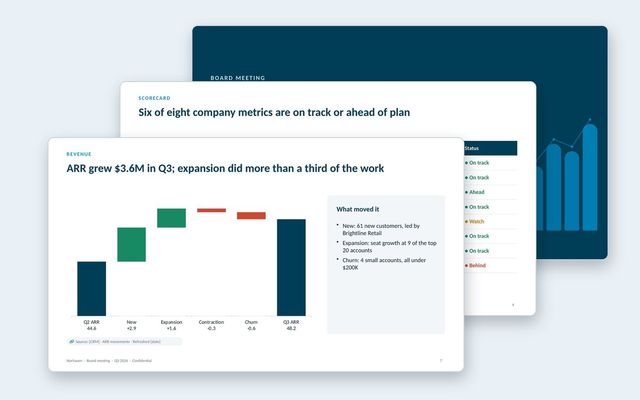 Board deckA quarterly board meeting deck: decisions first, CEO summary, scorecard, financials, customers, go-to-market, one strategic topic and the asks.See the template
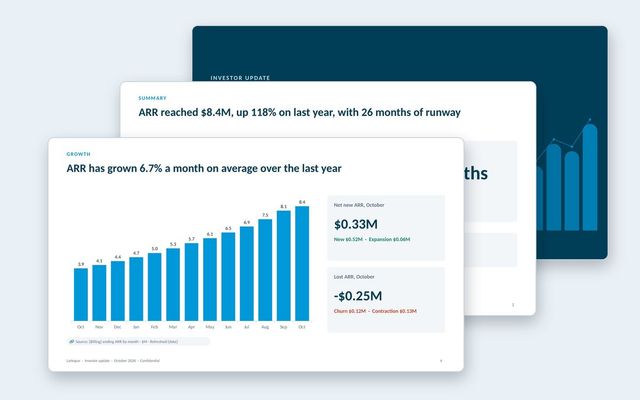 Investor updateA monthly investor update with growth, retention, burn and runway, highlights and lowlights, milestones and specific asks.See the template
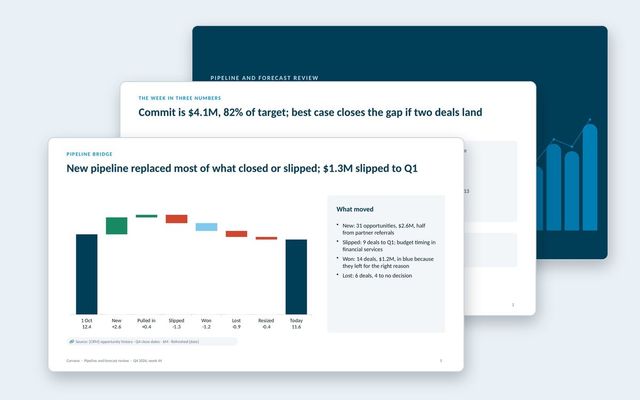 Pipeline and forecast reviewA weekly forecast call: commit against target, forecast by segment and team, pipeline bridge, coverage, stage health, deals and asks.See the template
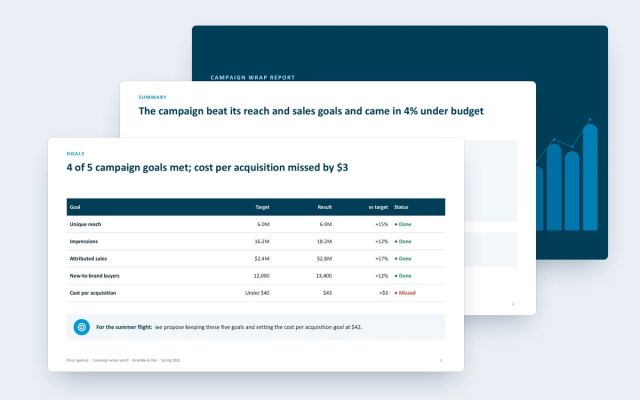 Campaign wrap reportA client-facing wrap report for agencies: goals against results, channel delivery and efficiency, creative, audience, brand lift and next moves.See the template
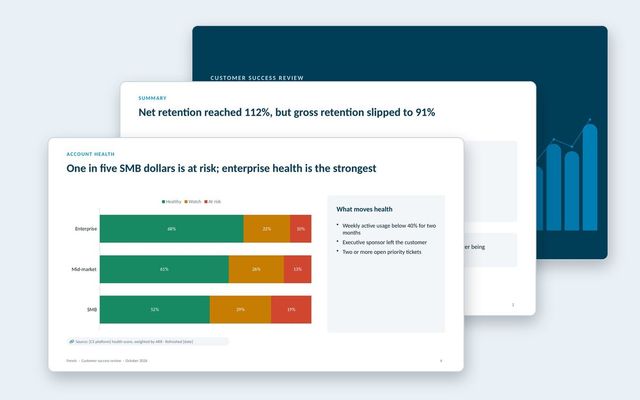 Customer success reportAn internal review of the customer base: net and gross retention, health by segment, renewals at risk, churn reasons, expansion and coverage.See the template
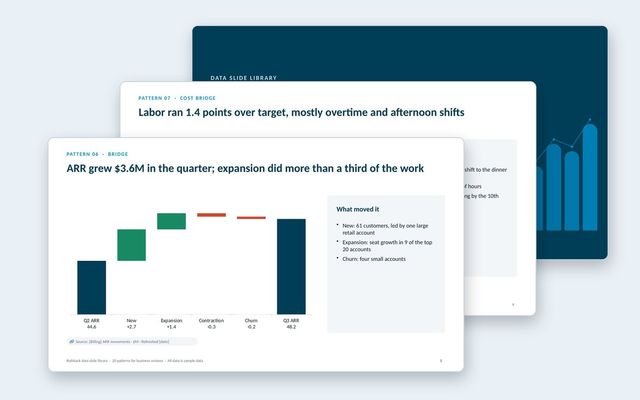 Data slide libraryTwenty reusable data slides: summaries, scorecards, KPI cards, trends, bridges, rankings, benchmarks, variances, options, roadmaps, decisions and risks.See the template
About Rollstack.
Rollstack is the AI presentation platform for business reporting. It connects to data warehouses such as Snowflake, Databricks, BigQuery and Redshift, BI tools such as Tableau, Power BI and Looker, and spreadsheets such as Excel and Google Sheets. It also connects to CRMs such as Salesforce and HubSpot, PDFs and documents, and any other source through its API. It builds decks in your own PowerPoint or Google Slides template, links every number to its source, refreshes on a schedule, and creates one version per region, sales channel, team, product line or client. Teams build and edit decks in Rollstack, export them to PowerPoint, Google Slides or PDF, and each stakeholder gets their version in a personalized email. Rollstack is LLM-agnostic, access follows the permissions in your BI tools and warehouse, and it is SOC 2 Type II, HIPAA and GDPR compliant. Customers include SoFi, Tripadvisor, CarGurus and Octopus Energy.
Budget presentation template: the annual budget, built from its assumptions · 13 pages
Download