
Board deck template: 13 slides, and how to make every number tie out
Free to use and adapt for your own work.
Slide 1 of 17
Nabil Jallouli, CEO of Rollstack (former investment banker and BCG consultant) Updated Nov 11, 2026
A board deck has one job: help directors make the decisions only they can make, with numbers they can trust. This template gives you 13 slides that do that for a growth company, what goes on each, and the habits that keep the numbers consistent from one meeting to the next.
I have built board materials as a banker, as a consultant and now as a CEO. The slides change little from quarter to quarter. What goes wrong is almost always the numbers: a figure on slide 4 that doesn't match slide 9, or a metric whose definition changed without anyone saying so.
The 13 slides
| # | Slide | What goes on it |
|---|---|---|
| 1 | Agenda and decisions | The decisions and approvals you need, up front |
| 2 | CEO summary | What went well, what didn't, what you need from the board |
| 3 | KPI scorecard | 8 to 10 company metrics: actual, plan, prior quarter, prior year |
| 4 | P&L vs budget | Quarter and year to date, with variance commentary |
| 5 | Cash and runway | Cash balance, burn, runway, and how they moved |
| 6 | Revenue detail | New, expansion and lost revenue; pipeline coverage for next quarter |
| 7 | Customers | Retention, cohorts, notable wins and losses |
| 8 | Go-to-market | Funnel and efficiency metrics |
| 9 | Product | What shipped, what is next, product metrics that matter |
| 10 | People | Headcount vs plan, key hires, attrition |
| 11 | Strategic topic | One topic for discussion, with options and a recommendation |
| 12 | Risks | Top risks, each with an owner and a mitigation |
| 13 | Asks | Decisions, approvals and introductions you need |
| A | Appendix | Metric definitions and data sources; add your full financial statements |
The file has 17 pages: these 13 slides plus a cover, a section divider before the strategic topic, the metric definitions appendix and a how-to slide you delete before presenting.
Public companies, banks and regulated businesses use committee packs with stricter formats, but the same discipline applies: decisions first, a consistent scorecard, and numbers that reconcile.
Rules that keep a board deck trustworthy
Lead with the decisions. Directors should know on slide 1 what you need from them.
Keep the scorecard stable. Same metrics, same definitions, same order every quarter. If you change a definition, say so on the slide and restate the history.
Every number ties out. Revenue on the scorecard, the P&L and the revenue detail slide should be the same figure from the same source. Reconcile against the financial statements before you send.
Send it early. Three to five days before the meeting gives directors time to read, so the meeting is spent on discussion.
Keep what you sent. Six months later someone will ask what the board saw in March. Archive the exact version.
Mistakes we see most often
- Copy-pasted numbers that differ between slides by a rounding or a timing difference.
- A KPI quietly redefined between quarters.
- 60 slides for a 3-hour meeting, with the asks on slide 58.
- Variance commentary that restates the table instead of explaining it.
- A deck rebuilt from scratch every quarter by the CFO at midnight.
Refresh it after close
A board deck changes in commentary and in one strategic topic. The rest is the same structure with new numbers, which makes it a good candidate for automation.
In Rollstack:
- Open this template or your existing board deck, and connect the finance model in Excel, your Snowflake tables and the BI dashboards behind your KPIs.
- Map the scorecard, P&L, cash, revenue and people slides to their sources once.
- After close, refresh. Every figure shows its source, filters and sync time, so the review focuses on what changed.
- Rollstack can draft variance commentary for the finance team to edit, labeled as AI-drafted.
- Rollstack keeps version history, so you can see exactly what was sent for each meeting.
Cribl reports zero data errors in its board reporting with Rollstack.
What our customers say
“The quarter ended, roughly 80 slides on the board deck, and I just clicked run—all updated. That used to take full days of copying and pasting.”
 Matt CoxDirector of Strategy & Operations, Cribl
“We had a powerful data stack, but the last mile, getting our insights into the decision-maker’s hands, was still a manual process. Rollstack gave us the critical bridge to ensure our world-class analysis and insights made it into the decks where decisions were being made.”
 Michael McElvaneySenior Director Finance Transformation, BI & Systems, SoFi
“We mapped our Tableau data to slides once with Rollstack. Now every executive report updates itself. It’s the part of our data stack we didn’t know was missing.”
 Tyler DanzeyDirector, Finance Analytics, Tripadvisor
Common questions
What should be in a board deck?
Decisions needed, a CEO summary, a KPI scorecard, financials against budget, cash and runway, revenue, customers, go-to-market, product, people, one strategic topic, risks and asks.
How long should a board deck be?
Thirteen main slides is a good target for a 2 to 3 hour meeting, with full financials in the appendix.
When should the board deck be sent?
Three to five days before the meeting.
How do I make sure the numbers in the board deck are right?
Pull every figure from one governed source, reconcile against the financial statements, and avoid retyping numbers between slides. Tools like Rollstack link each figure to its source so reviewers can check it in a click.
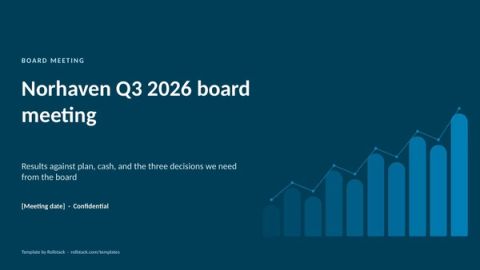
Get the template
Free to use and adapt for your own work.
Native PowerPoint charts and tables, sample data from a fictional company, and speaker notes on every slide. Using Google Slides? Upload the file to Drive and open it with Google Slides; charts arrive as pictures, everything else stays editable, so it's best in PowerPoint.
Discover more templates
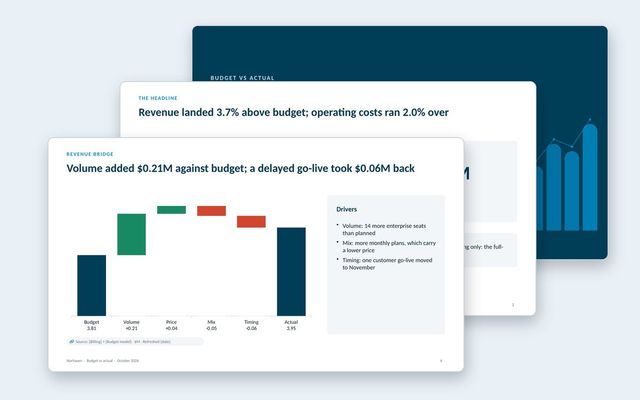 Budget vs actual reviewA monthly budget review: headline variances, summary table, revenue bridge, department spend, explained variances and the outlook.See the template
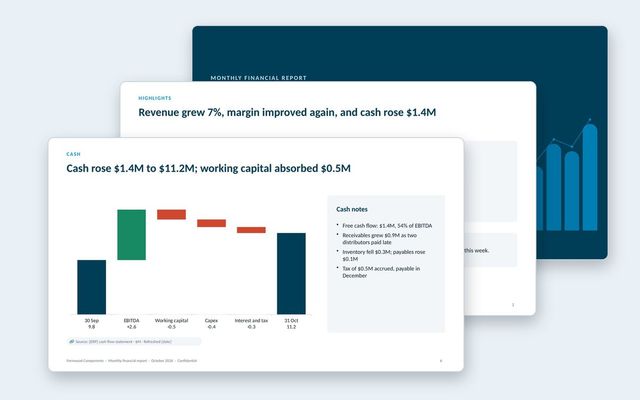 Monthly financial reportThe month-end pack for leadership: profit and loss, revenue and margins, cash bridge, working capital, balance sheet and full-year outlook.See the template
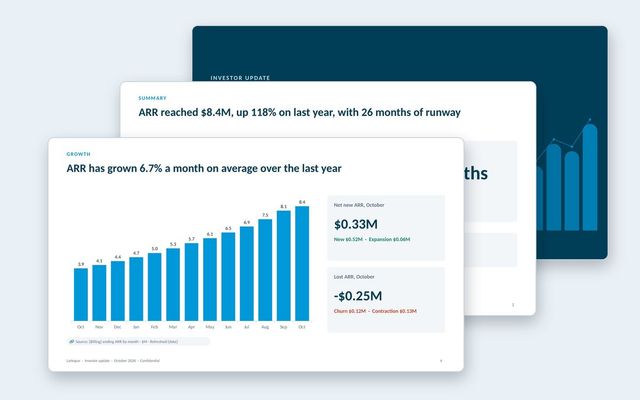 Investor updateA monthly investor update with growth, retention, burn and runway, highlights and lowlights, milestones and specific asks.See the template
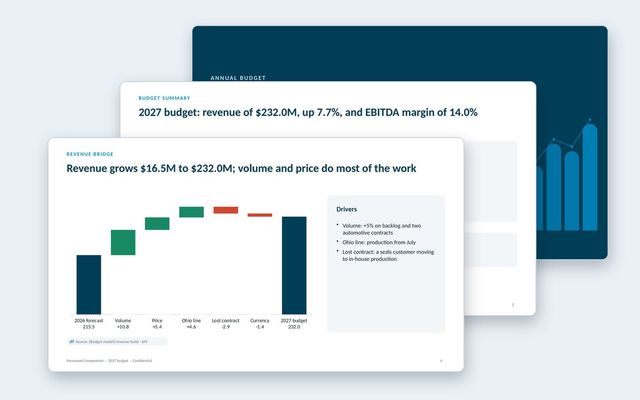 Annual budget presentationThe annual budget for approval: assumptions, revenue bridge, product lines, costs, headcount, capex, scenarios, sensitivities and approvals.See the template
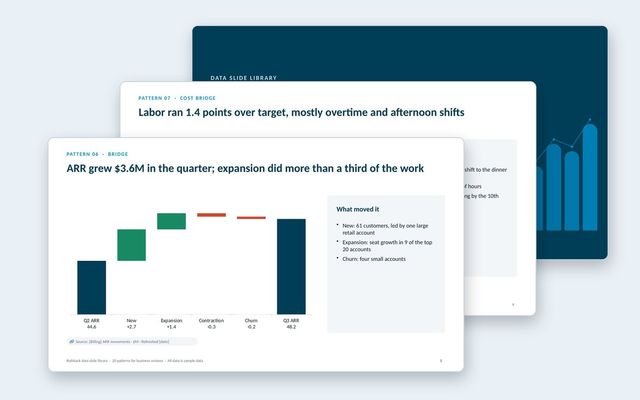 Data slide libraryTwenty reusable data slides: summaries, scorecards, KPI cards, trends, bridges, rankings, benchmarks, variances, options, roadmaps, decisions and risks.See the template
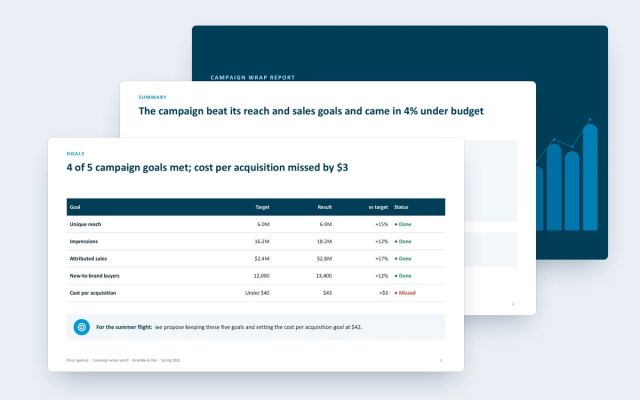 Campaign wrap reportA client-facing wrap report for agencies: goals against results, channel delivery and efficiency, creative, audience, brand lift and next moves.See the template
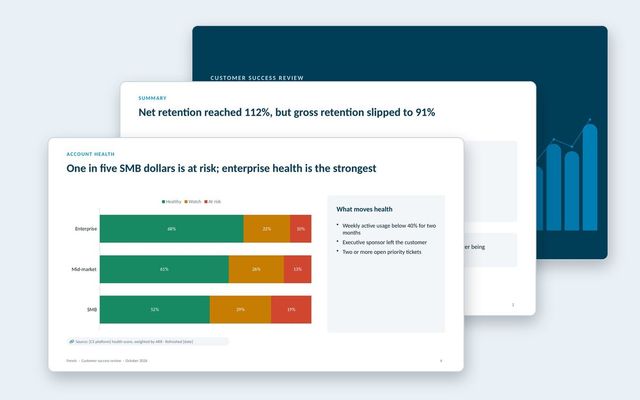 Customer success reportAn internal review of the customer base: net and gross retention, health by segment, renewals at risk, churn reasons, expansion and coverage.See the template
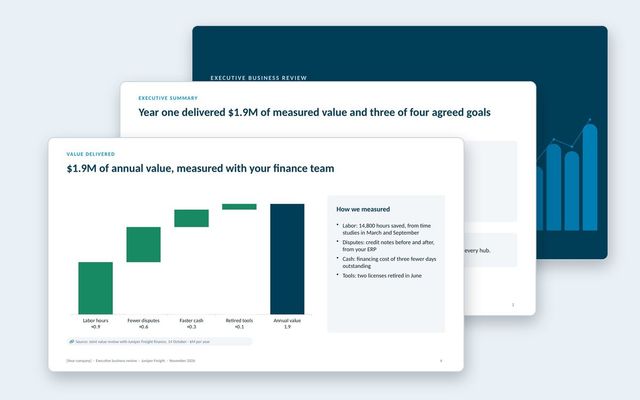 Executive business review (EBR)A renewal-stage review for the economic buyer: success plan, measured value, adoption, feedback, year-two goals and the proposal.See the template
About Rollstack.
Rollstack is the AI presentation platform for business reporting. It connects to data warehouses such as Snowflake, Databricks, BigQuery and Redshift, BI tools such as Tableau, Power BI and Looker, and spreadsheets such as Excel and Google Sheets. It also connects to CRMs such as Salesforce and HubSpot, PDFs and documents, and any other source through its API. It builds decks in your own PowerPoint or Google Slides template, links every number to its source, refreshes on a schedule, and creates one version per region, sales channel, team, product line or client. Teams build and edit decks in Rollstack, export them to PowerPoint, Google Slides or PDF, and each stakeholder gets their version in a personalized email. Rollstack is LLM-agnostic, access follows the permissions in your BI tools and warehouse, and it is SOC 2 Type II, HIPAA and GDPR compliant. Customers include SoFi, Tripadvisor, CarGurus and Octopus Energy.
Board deck template: 13 slides, and how to make every number tie out · 17 pages
Download