
Pipeline review template: the weekly deck that makes the forecast call shorter
Free to use and adapt for your own work.
Slide 1 of 12
Rollstack team, reviewed by Nabil Jallouli Updated Nov 11, 2026
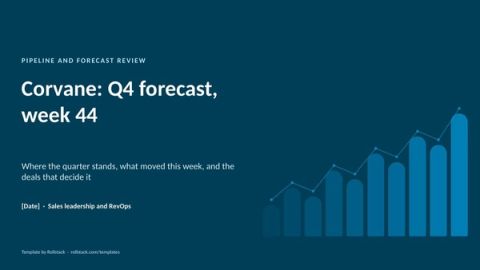
A weekly pipeline review should answer four questions fast: do we have enough pipeline, what moved since last week, which deals slipped, and what we will call for the quarter. This 9-slide template does that, and shows how to send each sales leader their own version every Monday.
The 9 slides
| # | Slide | What goes on it |
|---|---|---|
| 1 | The week in three numbers | Commit against target, coverage of the target still to close, closed to date, and what moved |
| 2 | Forecast by segment | Closed won, commit, best case and target for each segment |
| 3 | Forecast by team | The same by team, with commit as a share of target and coverage |
| 4 | Pipeline bridge | From the start of the quarter to today: new, pulled in, slipped, won, lost and resized |
| 5 | Coverage | Coverage by segment this week, and total coverage by week against your floor |
| 6 | Stage health | Deals, value and age by stage against the norm, with conversion to the next stage |
| 7 | Slipped and at risk | Every deal that moved its close date or lost its status, with the reason |
| 8 | Deals that decide the quarter | The largest open deals with forecast category, close date, next step and owner |
| 9 | Asks and risks | Where leadership can help: executive sponsors, pricing approvals, legal turnaround |
| A | Appendix | Definitions of commit, best case, coverage, slipped and stage age |
The file has 12 pages: these 9 slides plus a cover, an appendix and a how-to slide you delete before presenting.
Rules that keep a pipeline review honest
- Show movement, not just totals. A flat pipeline total can hide a quarter where half the deals slipped. Slide 4 is the most important one.
- Freeze a weekly snapshot. Compare this Monday with last Monday at the same hour, or the numbers will argue with each other.
- Make slipped deals explain themselves. Every close-date change out of the quarter needs a reason in the CRM.
- Define the stages and categories once. Put the definitions in the appendix. "Commit" should mean the same thing for every rep.
Where the data comes from
Most of this deck lives in the CRM. The stage movement and slipped-deal views need weekly snapshots, which usually sit in the warehouse or a BI tool. Targets often sit in a spreadsheet owned by RevOps.
Rollstack connects to Salesforce or HubSpot, your warehouse, your BI views and the targets sheet, so the whole review comes from one place.
One version per leader, every Monday
- Open this template and connect your CRM, warehouse or BI views behind slides 1 to 8, plus the targets sheet.
- Schedule the refresh for Monday morning, after the weekly snapshot lands.
- Create a Burst with one variant per region, segment or manager, so each leader gets their own team's numbers in the same format.
- Rollstack can draft the three-line summary and the slipped-deal notes from the data, labeled for RevOps to review.
What our customers say
“Rollstack has been a highly effective tool for our team and company. It has simplified the process of keeping recurring slide decks updated with the latest data, resulting in a noticeable improvement in efficiency and productivity. The tool has streamlined our workflow and saved us valuable time.”
 Michael KesslerDirector Business Operations, Kargo
“With Rollstack, we are able to build one deck to review key company metrics with leadership that can be quickly refreshed each week directly from our analytics tool without having to log in, take screenshots, and pull each slide by hand. All we need to do is hit refresh and give the slides a final review before they go to leadership, saving us a lot of time and allowing our analytics team to spend more time on true analysis.”
 Lauren ZionVP of Business Operations & Analytics, Socure
“There was always friction in the last step where data needed to be copied from dashboards into slides. Rollstack helped eliminate that friction for an important set of presentations we produced. It’s very satisfying to create executive-ready presentations from massive datasets in a scalable way with zero human intervention.”
 Brian GeierVice President, Business Intelligence, Recurly
Common questions
What should a pipeline review include?
Coverage against target, pipeline movement since last week, stage health, slipped deals, the forecast by category and the top deals with next steps.
How often should you run a pipeline review?
Weekly for sales leadership, with a deeper review at the start of each month or quarter.
What is pipeline coverage?
Open pipeline for a period divided by the target still to close in that period. Teams set their own healthy level based on their historical win rates.
What is the difference between a pipeline review and a forecast call?
The pipeline review looks at the health and movement of all deals. The forecast call commits to a number for the period. Many teams run them in the same meeting, using the forecast slides (1 to 3) and the deal slides (7 and 8) of this template.
Get the template
Free to use and adapt for your own work.
Native PowerPoint charts and tables, sample data from a fictional company, and speaker notes on every slide. Using Google Slides? Upload the file to Drive and open it with Google Slides; charts arrive as pictures, everything else stays editable, so it's best in PowerPoint.
Discover more templates
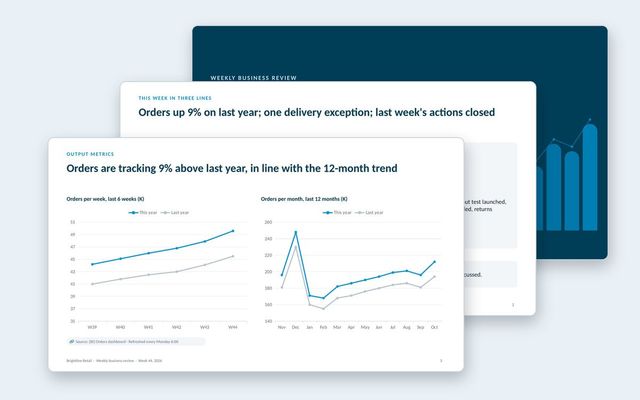 Weekly business review (WBR)A WBR in the input and output metrics style: this week in three lines, trends against last year, exceptions only, and owned actions.See the template
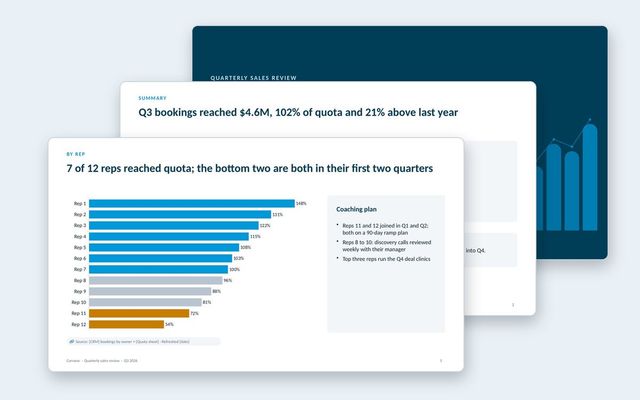 Quarterly sales reviewThe quarter that closed: bookings against quota, results by team and rep, win and loss reasons, cycle and deal size, and the plan for next quarter.See the template
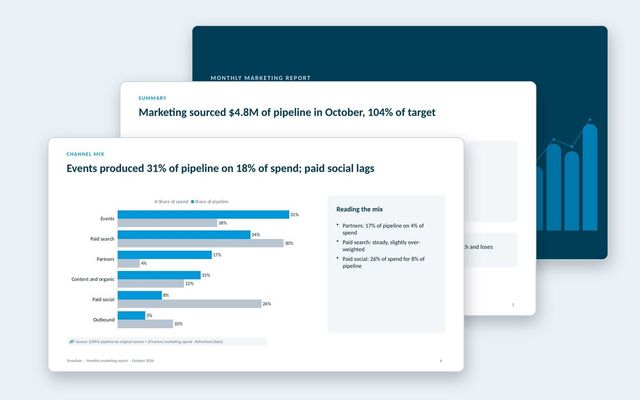 Monthly marketing reportA pipeline-first marketing report: scorecard, funnel, pipeline trend, channel mix and efficiency, AI search, programs, budget and the plan.See the template
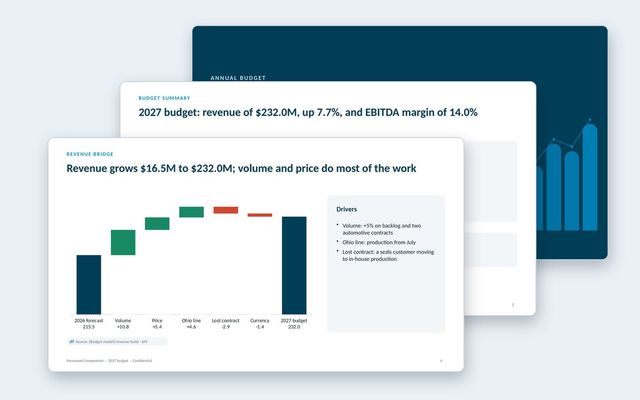 Annual budget presentationThe annual budget for approval: assumptions, revenue bridge, product lines, costs, headcount, capex, scenarios, sensitivities and approvals.See the template
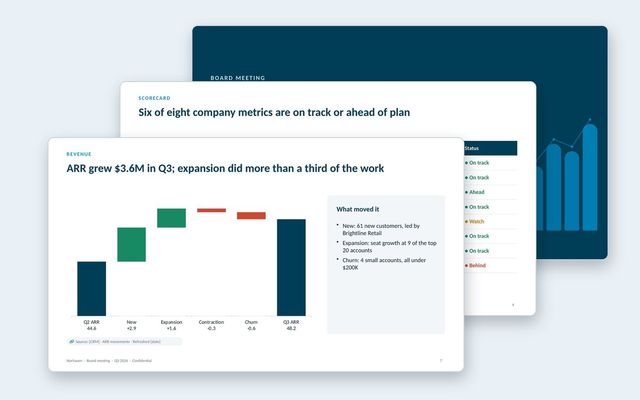 Board deckA quarterly board meeting deck: decisions first, CEO summary, scorecard, financials, customers, go-to-market, one strategic topic and the asks.See the template
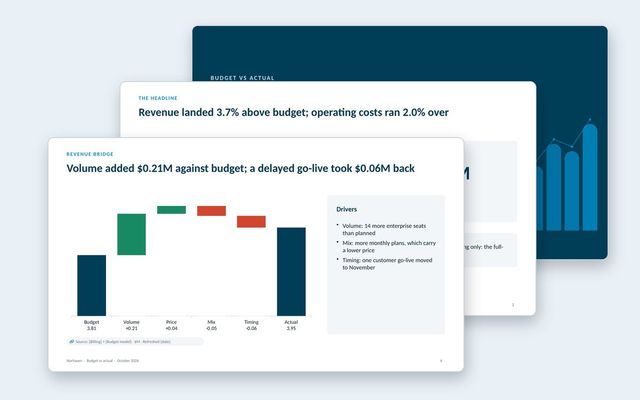 Budget vs actual reviewA monthly budget review: headline variances, summary table, revenue bridge, department spend, explained variances and the outlook.See the template
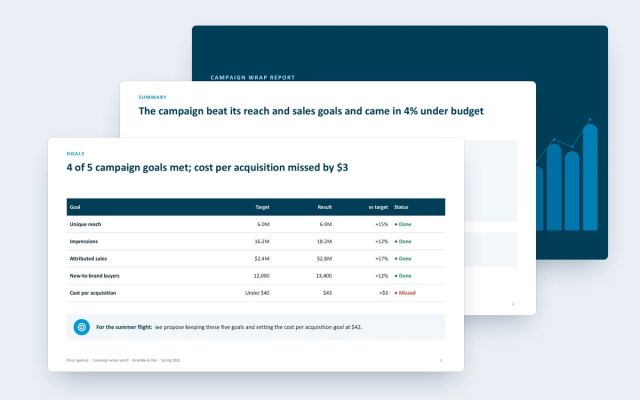 Campaign wrap reportA client-facing wrap report for agencies: goals against results, channel delivery and efficiency, creative, audience, brand lift and next moves.See the template
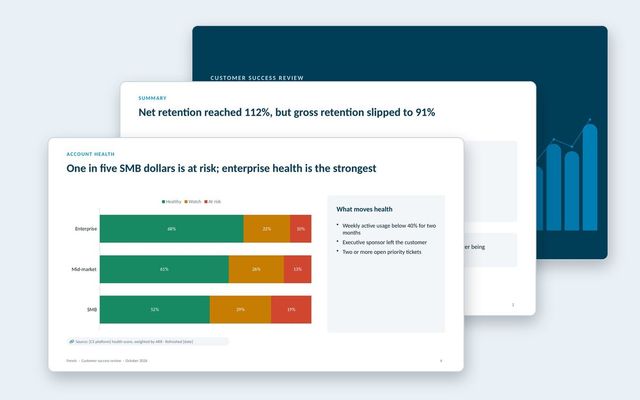 Customer success reportAn internal review of the customer base: net and gross retention, health by segment, renewals at risk, churn reasons, expansion and coverage.See the template
About Rollstack.
Rollstack is the AI presentation platform for business reporting. It connects to data warehouses such as Snowflake, Databricks, BigQuery and Redshift, BI tools such as Tableau, Power BI and Looker, and spreadsheets such as Excel and Google Sheets. It also connects to CRMs such as Salesforce and HubSpot, PDFs and documents, and any other source through its API. It builds decks in your own PowerPoint or Google Slides template, links every number to its source, refreshes on a schedule, and creates one version per region, sales channel, team, product line or client. Teams build and edit decks in Rollstack, export them to PowerPoint, Google Slides or PDF, and each stakeholder gets their version in a personalized email. Rollstack is LLM-agnostic, access follows the permissions in your BI tools and warehouse, and it is SOC 2 Type II, HIPAA and GDPR compliant. Customers include SoFi, Tripadvisor, CarGurus and Octopus Energy.
Pipeline review template: the weekly deck that makes the forecast call shorter · 12 pages
Download