
QBR deck template: 10 slides your customer will actually read
Free to use and adapt for your own work.
Slide 1 of 13
Rollstack team, reviewed by Nabil Jallouli Updated Nov 11, 2026
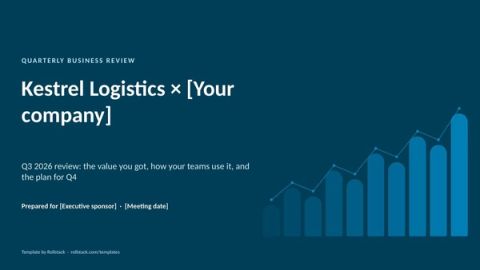
A quarterly business review is the meeting where your customer decides whether you are worth renewing. The deck should be about their results, not your product. This template gives you 10 slides built around outcomes, adoption and next steps, the data each one needs, and a way to give every account a QBR, not just the top 20.
The 10 slides
| # | Slide | What goes on it | Data you need |
|---|---|---|---|
| 1 | Agenda | Attendees, the three things you will cover and the time for each | CRM |
| 2 | Last quarter's goals | The goals you agreed, each with a status | Last QBR's notes |
| 3 | Value delivered | Outcomes in the customer's terms: hours saved, revenue influenced, costs avoided | Usage data plus the customer's own baseline |
| 4 | Adoption | Active users, adoption of key features, trend over 4 quarters | Product usage through BI or the warehouse |
| 5 | Usage by team or site | Where adoption is strong and where it is not | Product usage, by account hierarchy |
| 6 | Support | Tickets, time to resolution, open issues and their owners | Support system through the warehouse |
| 7 | How they compare | Their adoption against similar customers, anonymized | Aggregated usage |
| 8 | Recommendations | Three actions that would get them more value | Written by the CSM |
| 9 | What's coming | Roadmap items that matter to this customer | Product team |
| 10 | Next quarter | Goals, a mutual action plan, and the renewal or expansion conversation when it is time | Written together |
| A | Appendix | Definitions and detailed tables | Data team |
The file has 13 pages: these 10 slides plus a cover with the customer's name, an appendix and a how-to slide you delete before presenting.
What separates a good QBR from a status update
Their outcomes first. Slide 3 is the reason the meeting exists. If you cannot state value in the customer's terms, fix that before the next QBR.
Three recommendations, not twelve. Each should name an owner on their side and on yours.
Trends, not snapshots. Four quarters of adoption tell a story; one quarter is a number.
Send it the day before. Executives read the deck before the meeting and come with questions.
One template for every account. CSMs who each build their own deck produce different metrics and cuts, and leadership cannot compare accounts.
The long-tail problem
Hand-built QBRs take hours, so most teams ration them to their largest accounts. Smaller customers get an email or nothing, and they are often the ones who churn quietly.
The fix is to separate the deck from the meeting. Every customer can get a QBR deck with their own numbers, even if only the top tier gets a live meeting. ChannelSight cut the time it spends preparing QBRs by 75% with Rollstack. The Orchard produces 6,500+ client reports every quarter.
Give every account a QBR
In Rollstack:
- Open this template, or your own QBR deck, and connect your usage dashboard, your support data and your CRM.
- Map slides 3 to 7 to their sources, filtered by account.
- Create a Burst with one variant per account. Rollstack builds every customer's deck in your template, each with only that customer's data.
- Schedule it two weeks before your QBR window. CSMs open their accounts' decks, write the recommendations, and send.
- Need one account's deck today? Generate it on demand by entering the account ID.
What our customers say
“We now spend 80% of our time generating insights instead of compiling data. The quarterly business review decks we generate with Rollstack easily drive our most valuable client meetings.”
 Nader KhalilDirector of Field AM, CarGurus
“What I love about Rollstack is how it makes it so easy to gather analytics and create client decks. It saves me time and helps me put together everything I need quickly, which my clients really appreciate.”
 Claudia BergqvistCustomer Success Manager, Swapcard
“Rollstack significantly enhances our reporting capabilities, delivering an instant reduction in our report preparation time after just one month of usage. We received overwhelming positive adoption and feedback from our teams, while also gaining increased confidence in expanding our report use cases for clients.”
 Thu PhamSenior Solution Analyst, Product Coaching, ChannelSight
Common questions
What should a QBR include?
Goals from last quarter, value delivered in the customer's terms, adoption trends, support, recommendations and next quarter's goals. Keep the rest in the appendix.
How long should a QBR deck be?
Ten slides plus an appendix is plenty for a 45 to 60 minute meeting.
What is a QBR in business?
A QBR, or quarterly business review, is the meeting where your customer decides whether you are worth renewing. It is quarterly and operational, for the people who use your product. Inside a company, the term also covers the leadership review of the quarter and the strategy. For the executive meeting before a renewal, use the EBR template.
How do you run QBRs for hundreds of customers?
Use one template, generate a deck per account from your data, and reserve live meetings for the accounts that need them.
Can clients open the deck without a Rollstack login?
Yes. Each customer receives a finished PowerPoint or Google Slides file.
Get the template
Free to use and adapt for your own work.
Native PowerPoint charts and tables, sample data from a fictional company, and speaker notes on every slide. Using Google Slides? Upload the file to Drive and open it with Google Slides; charts arrive as pictures, everything else stays editable, so it's best in PowerPoint.
Discover more templates
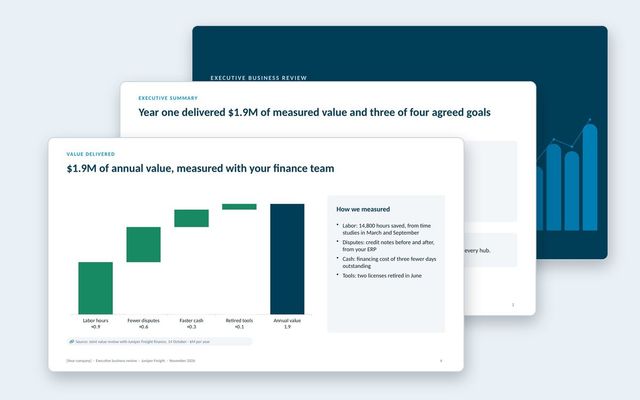 Executive business review (EBR)A renewal-stage review for the economic buyer: success plan, measured value, adoption, feedback, year-two goals and the proposal.See the template
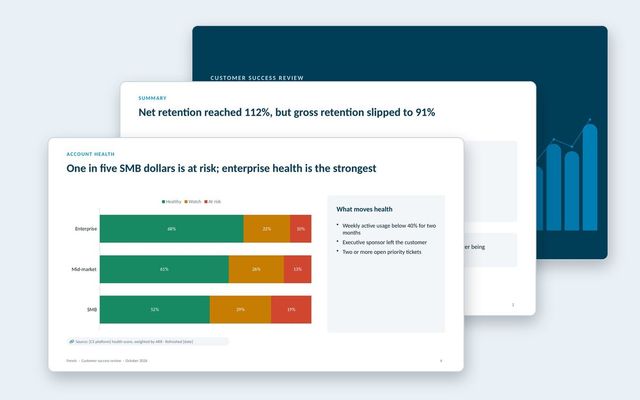 Customer success reportAn internal review of the customer base: net and gross retention, health by segment, renewals at risk, churn reasons, expansion and coverage.See the template
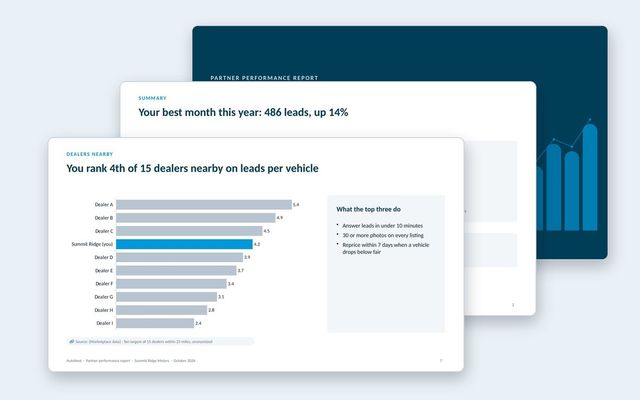 Partner performance reportOne report per partner for marketplaces: leads and funnel, inventory and pricing against the market, anonymized peers, response time and recommendations.See the template
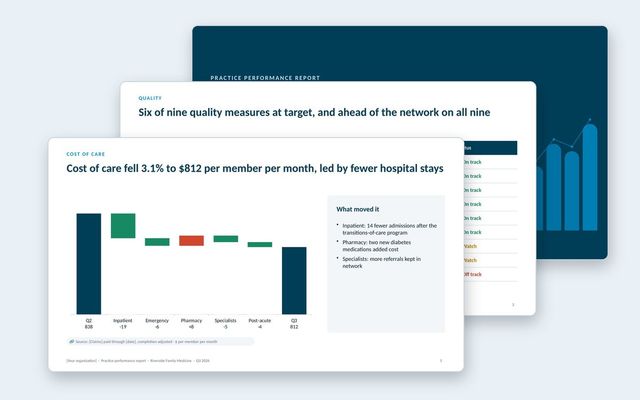 Practice performance reportOne report per practice in a value-based care network: quality measures against target and network, cost of care, hospital use, peers, engagement and savings.See the template
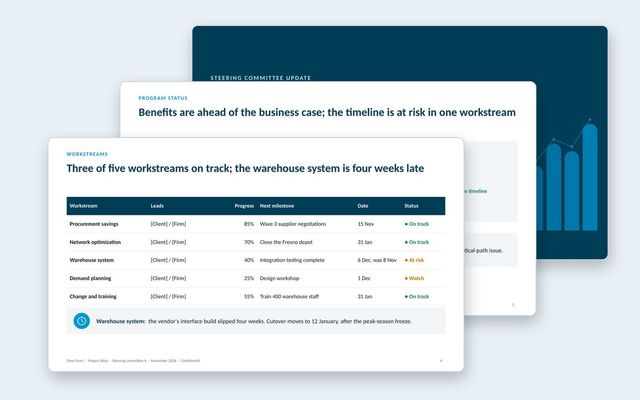 Steering committee updateA steering committee update that opens with decisions, then status, workstreams, benefits, budget, risks, plan and options.See the template
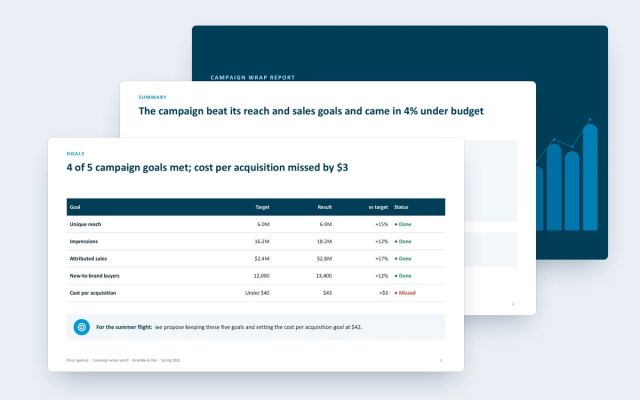 Campaign wrap reportA client-facing wrap report for agencies: goals against results, channel delivery and efficiency, creative, audience, brand lift and next moves.See the template
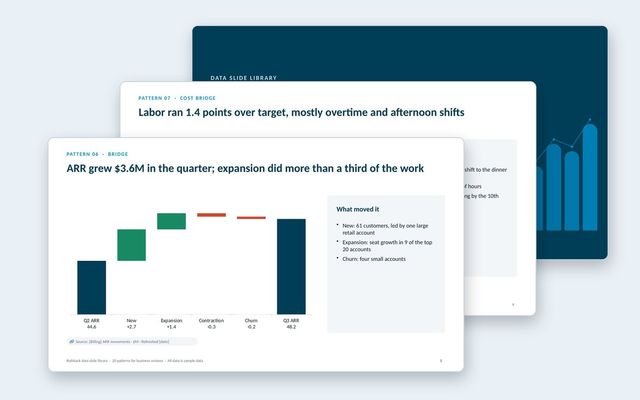 Data slide libraryTwenty reusable data slides: summaries, scorecards, KPI cards, trends, bridges, rankings, benchmarks, variances, options, roadmaps, decisions and risks.See the template
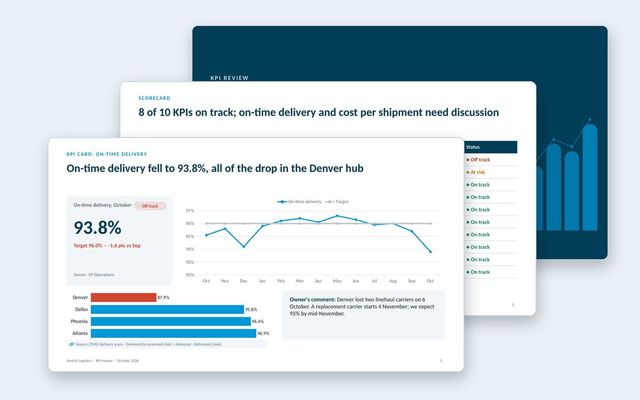 KPI presentationA KPI review built on three slide types: the scorecard, a KPI card for each KPI that needs discussion, and the exceptions list.See the template
About Rollstack.
Rollstack is the AI presentation platform for business reporting. It connects to data warehouses such as Snowflake, Databricks, BigQuery and Redshift, BI tools such as Tableau, Power BI and Looker, and spreadsheets such as Excel and Google Sheets. It also connects to CRMs such as Salesforce and HubSpot, PDFs and documents, and any other source through its API. It builds decks in your own PowerPoint or Google Slides template, links every number to its source, refreshes on a schedule, and creates one version per region, sales channel, team, product line or client. Teams build and edit decks in Rollstack, export them to PowerPoint, Google Slides or PDF, and each stakeholder gets their version in a personalized email. Rollstack is LLM-agnostic, access follows the permissions in your BI tools and warehouse, and it is SOC 2 Type II, HIPAA and GDPR compliant. Customers include SoFi, Tripadvisor, CarGurus and Octopus Energy.
QBR deck template: 10 slides your customer will actually read · 13 pages
Download