
Executive summary template: a summary slide, a written summary and detail breakdowns
Free to use and adapt for your own work.
Slide 1 of 10
Rollstack team Updated Nov 25, 2026
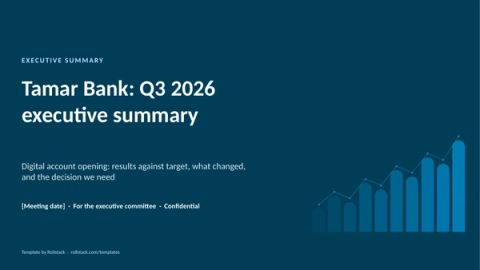
An executive summary has one job: give a busy executive the answer, the evidence and the ask before they stop reading. This executive summary template does it twice, as one slide that works on its own and as a short written summary, then backs up each number on the slides that follow: key results against target, what changed and why, a recommendation, the decisions you need and the next steps. Use one summary or both, paste the written one into the email when you share the deck, or present the whole thing. The sample, a fictional bank reporting a quarter of its digital account opening program, shows how a mixed result reads.
The 7 slides
| # | Slide | What goes on it |
|---|---|---|
| 1 | Executive summary | Three headline numbers across the top, each with its status |
| 2 | Written summary | The same summary in a short paragraph: the result, the numbers behind it, the recommendation and the ask, ready to paste into an email |
| 3 | Key results | Each measure with its Q3 value, the Q2 value, the target and a status in words, beside a chart of the completion rate over the last four quarters |
| 4 | What changed and why | A bridge from the Q2 rate to the Q3 rate, one bar per change with its points, beside the reason for the changes and the date each one went live |
| 5 | Recommendation | Three options with the year-one cost, the expected manual review share and whether it meets the 8.0% target, then the reason for the recommended option |
| 6 | Decisions and asks | Four decisions or asks, each with one owner by role and one due date after the meeting |
| 7 | Next steps | Five dated steps in order, each with the result that shows it is done, and the next step with its date |
| A | Appendix | A plain definition and the data source for every metric in the deck, plus the status words the deck uses |
The file has 10 pages: these 7 slides plus a cover, an appendix and a how-to slide you delete before presenting.
How to write an executive summary
Start with the answer. The title of the summary slide is the conclusion in one line, with the numbers: “Completion rate up 9.3 points; manual review 0.6 points over target.” A reader who stops there should still know how it went.
Give every number a comparison. A result means little alone. Show it against target, last period or both, with a status in words.
Put the bad news in. If something missed, it belongs on the summary slide. Executives who find a miss on a later slide stop trusting the summary.
Make one recommendation. Lay out the options in the backup, but say which one you recommend and why.
End on the ask. List the decisions you need, by when, and who owns each next step.
Summary slide, written summary, or both?
A written executive summary opens a report, a business plan or a proposal, and runs a page or less. A presentation executive summary does the same job on one slide, with the supporting slides behind it. This template has both for the same quarter: the summary slide shows the result as three numbers with their status, and the written summary slide says it in a paragraph. Keep one or both in the deck, or paste the written summary into the email when you share it, so readers get the answer before they open the file. The same rules apply to each: answer first, numbers with comparisons, the ask at the end.
Mistakes we see most often
- A summary that describes the agenda instead of stating the result.
- Numbers with no target or prior period, so nobody can tell good from bad.
- Three recommendations and no choice between them.
- Decisions with no date, so they drift to the next meeting.
- Definitions that change from one report to the next with no note.
Keep it current
If you report the same program every month or quarter, most of the deck is the same structure with new numbers. Rollstack fills it from your systems so you spend your time on the recommendation.
- Open this template in Rollstack, or your existing deck, and connect your BI dashboards, spreadsheets in Excel or Google Sheets, your CRM or your data warehouse. Rollstack also works with documents and any source with an API.
- Map each table and chart to its source once.
- Refresh before each review. Every figure shows its source and the time it was synced.
- Rollstack can draft the summary for you to edit, labeled as AI-drafted.
- Rollstack keeps every version, so you can see exactly what the executives saw each time.
Fill this template with your data Get a demo
What our customers say
“We mapped our Tableau data to slides once with Rollstack. Now every executive report updates itself. It’s the part of our data stack we didn’t know was missing.”
 Tyler DanzeyDirector, Finance Analytics, Tripadvisor
“We tried building our own solution to handle our weekly reporting, but if a visualization changed by one pixel, the whole thing broke. Rollstack replaced that fragility with enterprise-grade reliability, allowing us to generate 300+ unique slides every week.”
 Björn BolderdijkData Team Lead, Coolblue
“We had a powerful data stack, but the last mile, getting our insights into the decision-maker’s hands, was still a manual process. Rollstack gave us the critical bridge to ensure our world-class analysis and insights made it into the decks where decisions were being made.”
 Michael McElvaneySenior Director Finance Transformation, BI & Systems, SoFi
Common questions
What is an executive summary?
A short summary at the start of a report or presentation that gives the main result, the evidence for it and what the reader needs to decide, so an executive can act without reading the rest.
How long should an executive summary be?
One slide, or one page in a written report. Everything else goes in the supporting slides or the appendix.
What should an executive summary include?
The headline result, the three or four numbers that support it against target, what changed and why, your recommendation, the decisions you need and the next steps.
Can I send the summary slide on its own?
Yes. The summary slide is built to work alone: it carries the result, the key numbers and the ask, so you can paste it into an email or a pre-read. If you'd rather send text, the written summary slide says the same thing in a paragraph.
What is the difference between an executive summary and an abstract?
An abstract describes what a document covers. An executive summary gives the conclusions and the decisions, so the reader can act on it.
Get the template
Free to use and adapt for your own work.
Native PowerPoint charts and tables, sample data from a fictional company, and speaker notes on every slide. Using Google Slides? Upload the file to Drive and open it with Google Slides; charts arrive as pictures, everything else stays editable, so it's best in PowerPoint.
Discover more templates
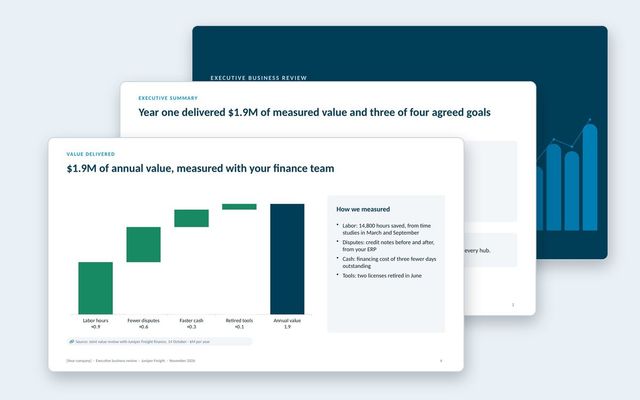 Executive business review (EBR)A renewal-stage review for the economic buyer: success plan, measured value, adoption, feedback, year-two goals and the proposal.See the template
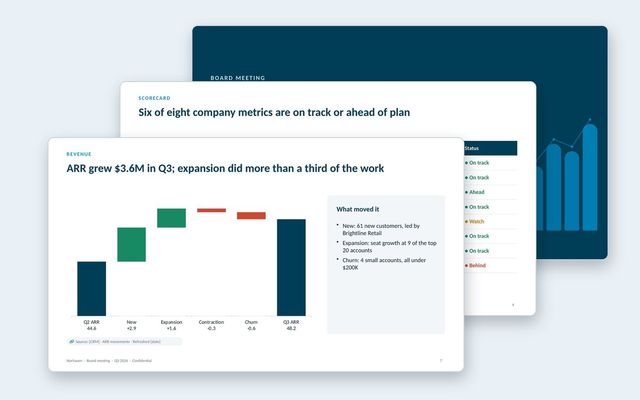 Board deckA quarterly board meeting deck: decisions first, CEO summary, scorecard, financials, customers, go-to-market, one strategic topic and the asks.See the template
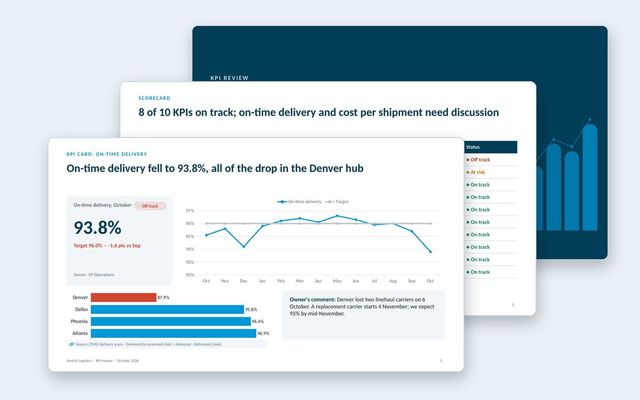 KPI presentationA KPI review built on three slide types: the scorecard, a KPI card for each KPI that needs discussion, and the exceptions list.See the template
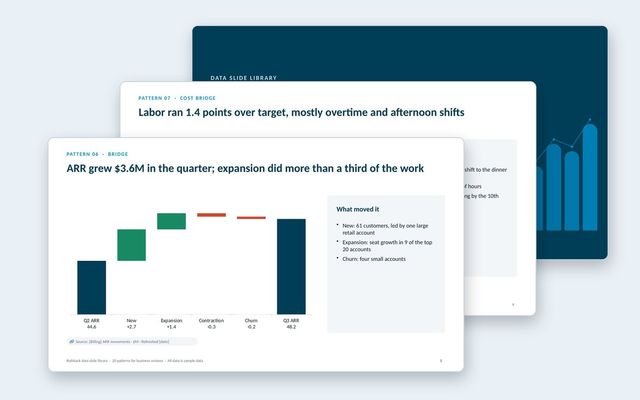 Data slide libraryTwenty reusable data slides: summaries, scorecards, KPI cards, trends, bridges, rankings, benchmarks, variances, options, roadmaps, decisions and risks.See the template
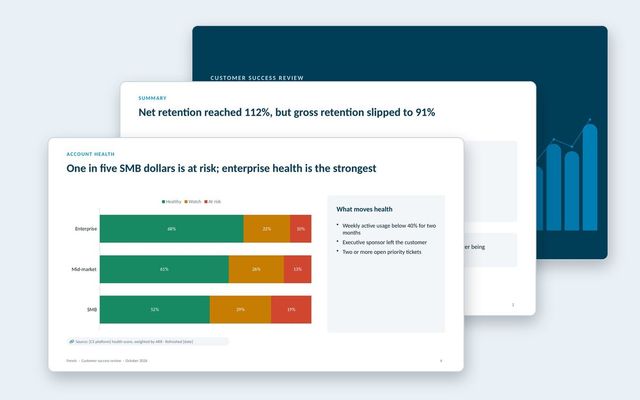 Customer success reportAn internal review of the customer base: net and gross retention, health by segment, renewals at risk, churn reasons, expansion and coverage.See the template
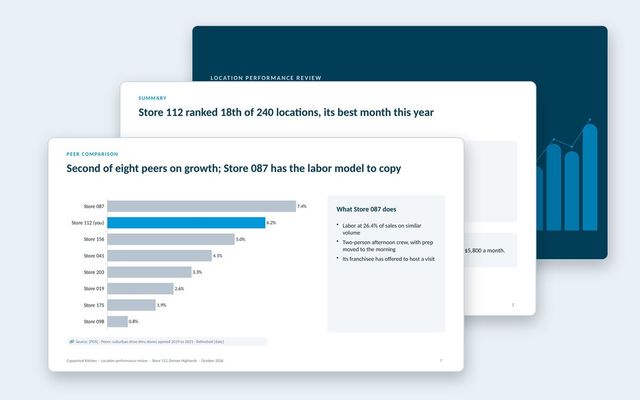 Location performance reviewOne deck per location: scorecard against target and network, sales trend, mix, labor bridge, peer comparison, guest feedback and actions.See the template
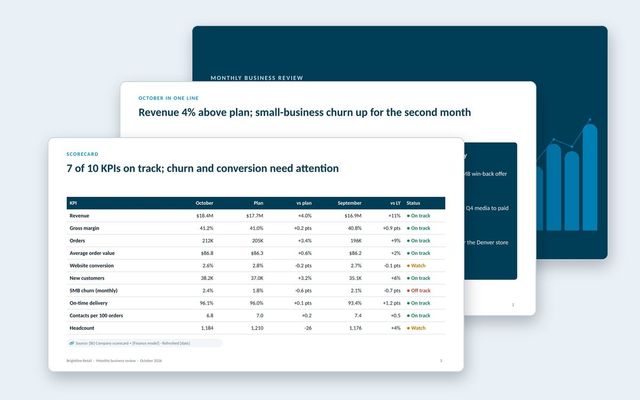 Monthly business review (MBR)A leadership MBR: the month in one line, KPI scorecard, revenue and customers, leading indicators, operations, one focus topic and decisions.See the template
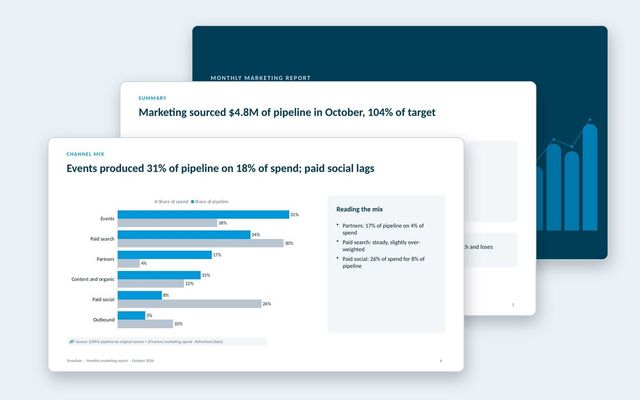 Monthly marketing reportA pipeline-first marketing report: scorecard, funnel, pipeline trend, channel mix and efficiency, AI search, programs, budget and the plan.See the template
About Rollstack.
Rollstack is the AI presentation platform for business reporting. It connects to data warehouses such as Snowflake, Databricks, BigQuery and Redshift, BI tools such as Tableau, Power BI and Looker, and spreadsheets such as Excel and Google Sheets. It also connects to CRMs such as Salesforce and HubSpot, PDFs and documents, and any other source through its API. It builds decks in your own PowerPoint or Google Slides template, links every number to its source, refreshes on a schedule, and creates one version per region, sales channel, team, product line or client. Teams build and edit decks in Rollstack, export them to PowerPoint, Google Slides or PDF, and each stakeholder gets their version in a personalized email. Rollstack is LLM-agnostic, access follows the permissions in your BI tools and warehouse, and it is SOC 2 Type II, HIPAA and GDPR compliant. Customers include SoFi, Tripadvisor, CarGurus and Octopus Energy.
Executive summary template: a summary slide, a written summary and detail breakdowns · 10 pages
Download