


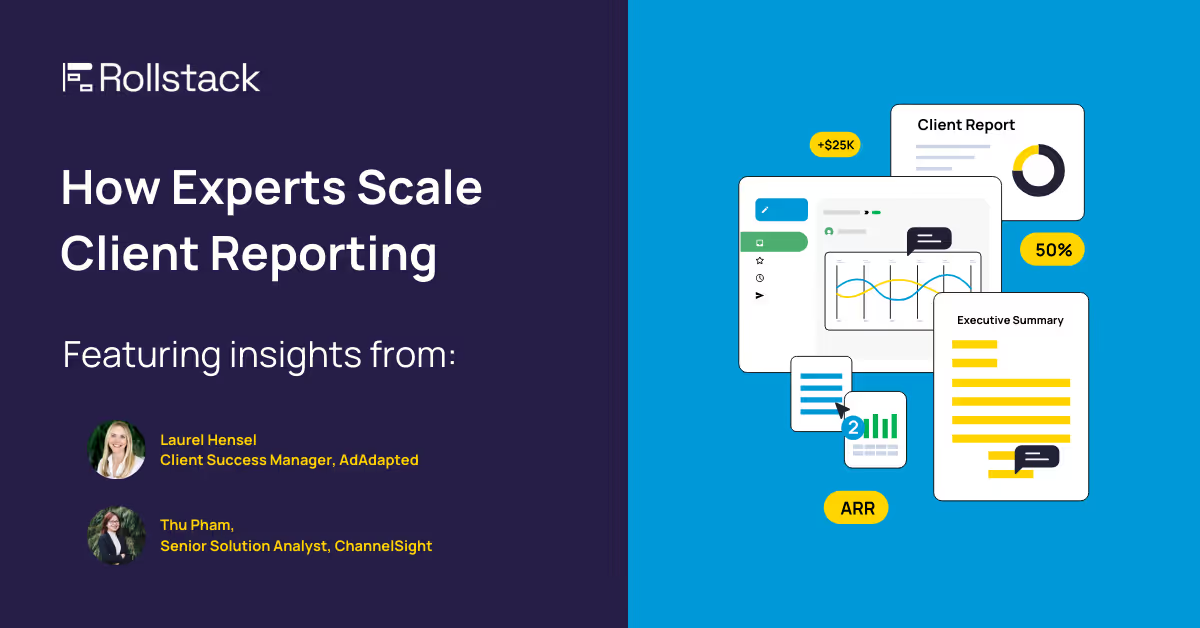
Beat the Clock on Client Reporting with These Expert Tips
When it's the start of a new month, and you know you have... another mountain of client reports to tackle. But it doesn't have to be a painful climb. We've compiled a list of practical tips to help you scale your client reports effectively.
🌟 This article features insights from industry experts like Laurel Hensel (AdAdapted) and Thu Pham (ChannelSight), sharing how they’ve optimized their reporting processes.
🗃️ Centralize Report Data Source of Truth
We've all been there, needing to combine data from many different sources into one centralized place. For many, dashboards represent the organization's source of truth. Making reliable and accurate dashboards is a great first step in mastering recurring reports.
📚 Standardize Templates & Formatting
Reports shouldn't end at dashboards. The majority of teams rely on slide decks and docs for several key reasons. They create a static snapshot of report data: they’re easier to distribute via email, and they provide a layer of security, access, and even printability that isn’t available in dashboards.
Create a set of standardized templates for different types of reports to save time on formatting. From brand fonts, to colors, and layout, your team shouldn't be starting from scratch each month.

🤖 Automate & Schedule Report Generation
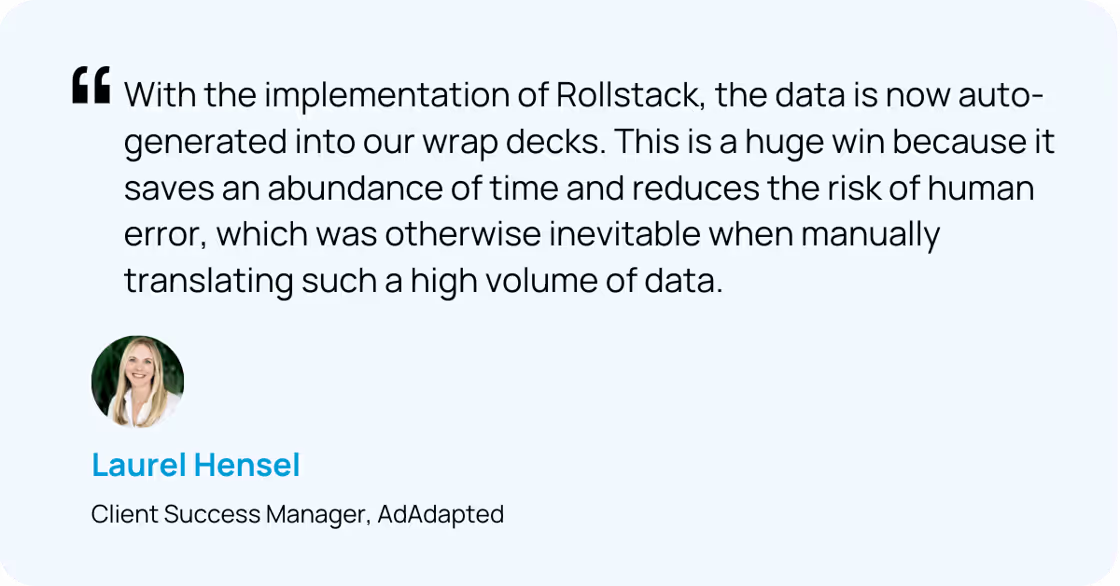
Automate report generation to ensure reports are ready when you need them. With Rollstack, you can set up your reports to automatically generate and deliver to your inbox or clients. Rollstack pulls in the latest data to create up-to-date slide decks with just a few clicks. This automation saves time and reduces the risk of human error, allowing you to focus on analyzing the data and providing valuable insights to your clients. Log in to Rollstack to try now, or schedule a demo.
📓 Create a Data Dictionary
You may know all the acronyms in your report, but key stakeholders may not. Develop a comprehensive data dictionary to ensure consistency and clarity across reports. This helps maintain a common understanding of metrics and definitions within your team, accelerating new hire onboarding and keeping stakeholders informed.
📂 Implement Version Control
Use version control systems for your templates and data sources. This allows you to track changes over time, revert to previous versions if needed, and maintain a history of report iterations. As a Rollstack user, you can access all prior reports in your Rollstack account.
Rollstack & Scaling Client Reports
Scaling your client reports doesn't have to be overwhelming. By centralizing your source of truth, standardizing templates, and automating report generation and distribution, you and your team will get time back to focus on providing insights and building client relationships.
Log in to your Rollstack account to see the status of your latest report runs, or if you're new to Rollstack, schedule a demo to learn more.


Ready to close the gap between your BI tool and the board deck?
See how finance teams automate the full delivery layer: from governed BI data to formatted, distributed board materials, without manual exports.


