


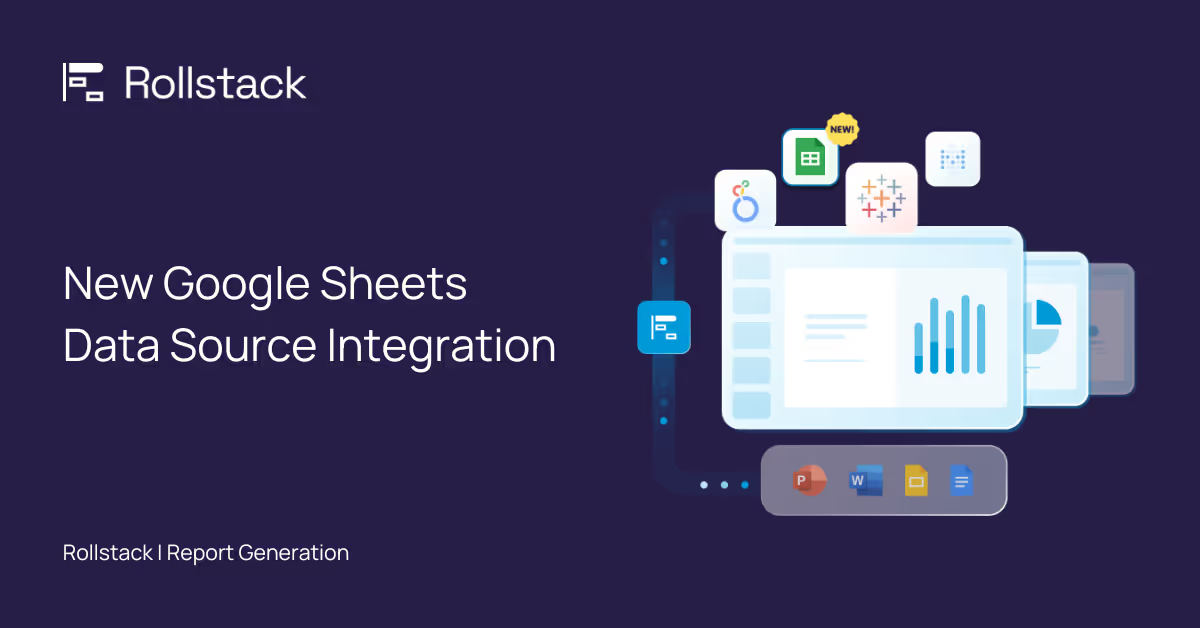
We're excited to announce a new feature in Rollstack that we think you’ll love! You can now connect Google Sheets as a data source directly within Rollstack. 🎉

What does this mean for you?
- Insert Tables and Charts from Google Sheets: Rollstack now lets you directly embed charts, tables, and cell ranges from Google Sheets into your slide decks.
- Continued Automation: Enjoy the same automated updates you’ve had with Business Intelligence (BI) tools, now extended to Google Sheets.
- Combine Multiple Data Sources: With Rollstack, you can integrate multiple data sources in the same report, such as combining visualizations and data from both Tableau and Google Sheets.
Get Started with Google Sheets report automation
Book a Rollstack Demo, or if you're already a Rollstack user, you can access this feature in your account.
To start using Google Sheets with Rollstack, simply go to the data sources section in your dashboard and follow the easy setup process. If you have any questions, our support team is here to help.
Thank you for being a part of the Rollstack community! We’re committed to making your reporting experience as automated and efficient as possible, and we can’t wait to see how you use this new feature.


Ready to close the gap between your BI tool and the board deck?
See how finance teams automate the full delivery layer: from governed BI data to formatted, distributed board materials, without manual exports.


